Modern travellers no longer need to remove their SIM card or rely on expensive roaming plans to stay connected abroad. With dual SIM technology and eSIM support, you can now install an eSIM while keeping your physical SIM active.
This means you can receive calls, SMS, banking OTPs, and WhatsApp messages on your home number while using affordable mobile data through an international eSIM.
This guide explains how to install an eSIM without removing your SIM, the benefits of dual SIM technology, compatible devices, and best practices for travellers.
👉 You can activate a travel-ready GleeSIM eSIM here:
https://offers.gleesim.com/offer-detail/1448465/esimVault
An eSIM (embedded SIM) is a digital SIM card that can be installed directly on your smartphone without inserting a physical card.
Instead of visiting a store or swapping SIMs, you simply scan a QR code and download the eSIM profile to your phone.
Most modern smartphones support dual SIM functionality, allowing both SIMs to work together.
Typical setup for travellers:
Physical SIM
eSIM
This allows you to stay connected globally without losing access to your main phone number.
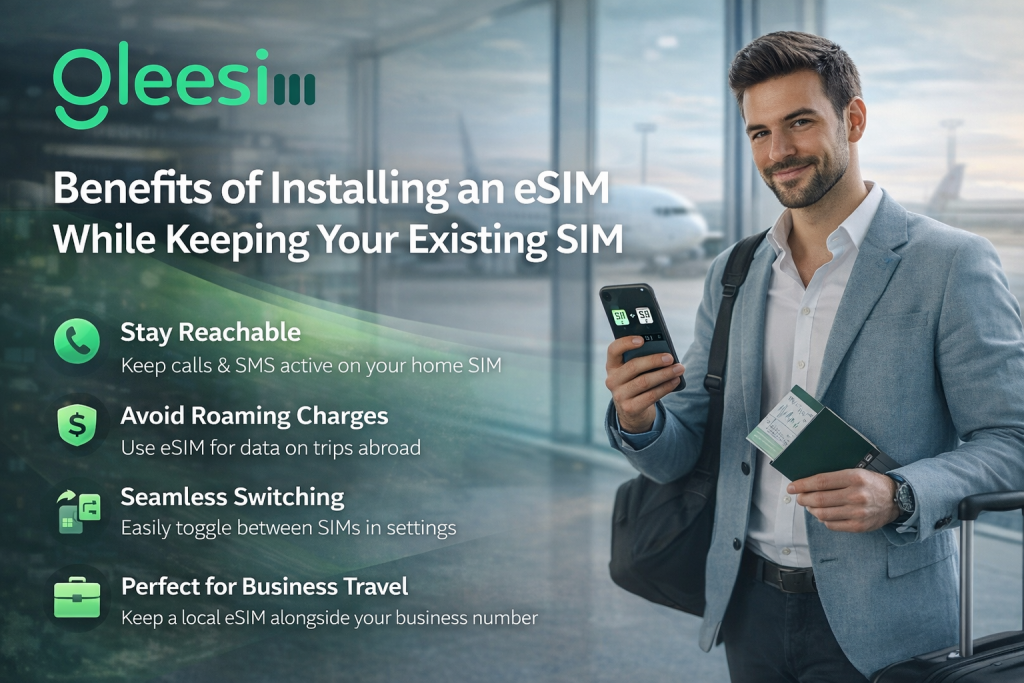
Your physical SIM continues to work normally for:
This ensures no disruption to your personal or business communication.
International roaming fees from traditional carriers can be extremely expensive.
By using a GleeSIM travel eSIM, you can access affordable international data plans without paying high roaming charges.
👉 Explore GleeSIM travel eSIM plans:
https://offers.gleesim.com/offer-detail/1448465/esimVault
With an eSIM, you can activate mobile data within minutes without:
This is especially useful for airport arrivals, business travel, and remote workers.
Companies increasingly provide employees with travel eSIMs so they can stay connected internationally without changing their personal SIM cards.
GleeSIM eSIM offers an easy and reliable connectivity solution for global travellers.
Most modern smartphones support dual SIM technology with eSIM.
Supported models include:
Supported models include:
Supported models include:
💡 Your phone must be carrier unlocked to install any third-party eSIM.
Start by purchasing a GleeSIM international eSIM plan designed for travellers.
👉 Get your GleeSIM eSIM here:
https://offers.gleesim.com/offer-detail/1448465/esimVault
After purchase you will receive:
Follow these steps:
Your physical SIM will continue working normally.
Installation may vary slightly depending on the phone model.
Typical steps:
Your phone will now run in dual SIM mode.
After installing your GleeSIM eSIM, your phone typically works like this:
| Function | Physical SIM | GleeSIM eSIM |
| Calls | ✅ | ❌ |
| SMS | ✅ | ❌ |
| ✅ | ❌ | |
| Mobile Data | ❌ | ✅ |
This ensures that your main phone number remains active while your eSIM provides data connectivity abroad.
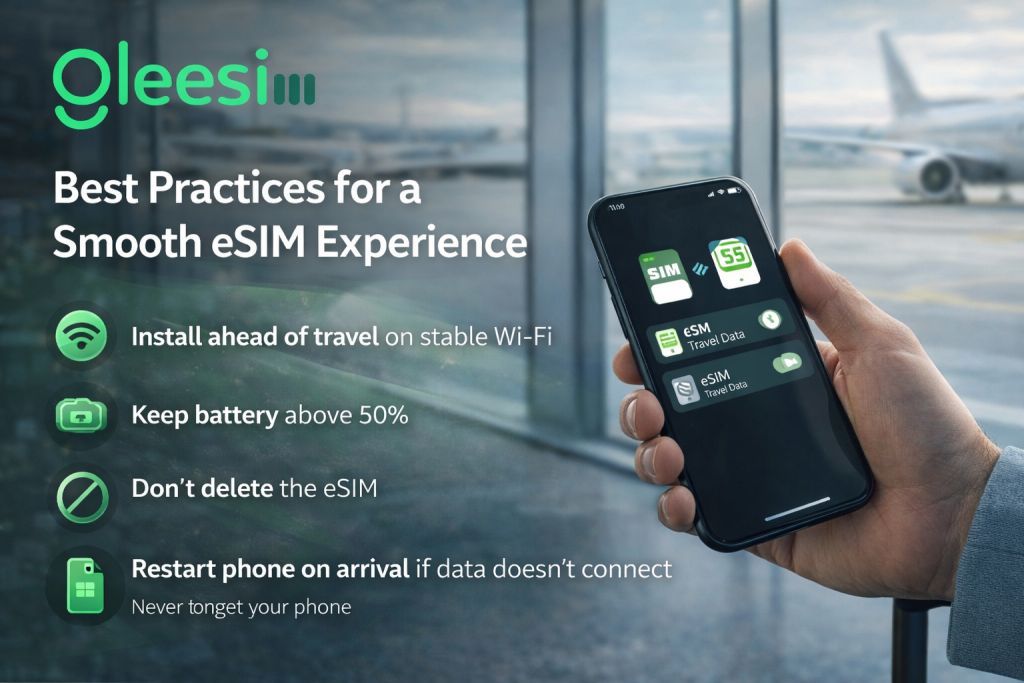
Follow these tips for the best experience:
📶 Install your eSIM before travelling using stable Wi-Fi
🔋 Ensure your phone battery is above 50% during installation
🚫 Avoid deleting the eSIM profile accidentally
🔄 Restart your phone after landing if the network does not connect immediately
Using a reliable provider like GleeSIM ensures quick activation and stable travel connectivity.
Avoid these common mistakes:
❌ Turning off your physical SIM accidentally
❌ Setting the eSIM for calls or SMS
❌ Installing the same QR code multiple times
❌ Waiting until you arrive abroad without Wi-Fi
Correct setup ensures a smooth dual SIM experience.
Yes. Most modern smartphones support dual SIM functionality, allowing your physical SIM and eSIM to work together.
Yes. WhatsApp remains linked to your physical SIM number and continues working normally.
Yes. Your physical SIM remains active and can receive verification codes and SMS alerts.
Yes. GleeSIM eSIM solutions are designed for secure and reliable travel connectivity worldwide.
Yes. You can easily disable or remove the eSIM from your phone settings after your trip.
GleeSIM eSIM is designed for travellers who need fast and reliable global connectivity.
It is ideal for:
Key advantages include:
👉 Activate your GleeSIM eSIM here:
https://offers.gleesim.com/offer-detail/1448465/esimVault
Installing an eSIM without removing your SIM is one of the smartest ways to stay connected while travelling internationally.
With dual SIM technology and GleeSIM eSIM, travellers can keep their main number active while enjoying affordable data worldwide.
Whether you’re travelling for business, leisure, or remote work, GleeSIM makes global connectivity simple, flexible, and reliable.