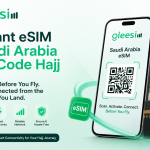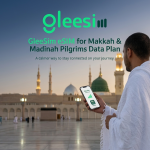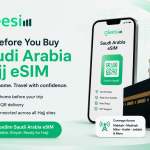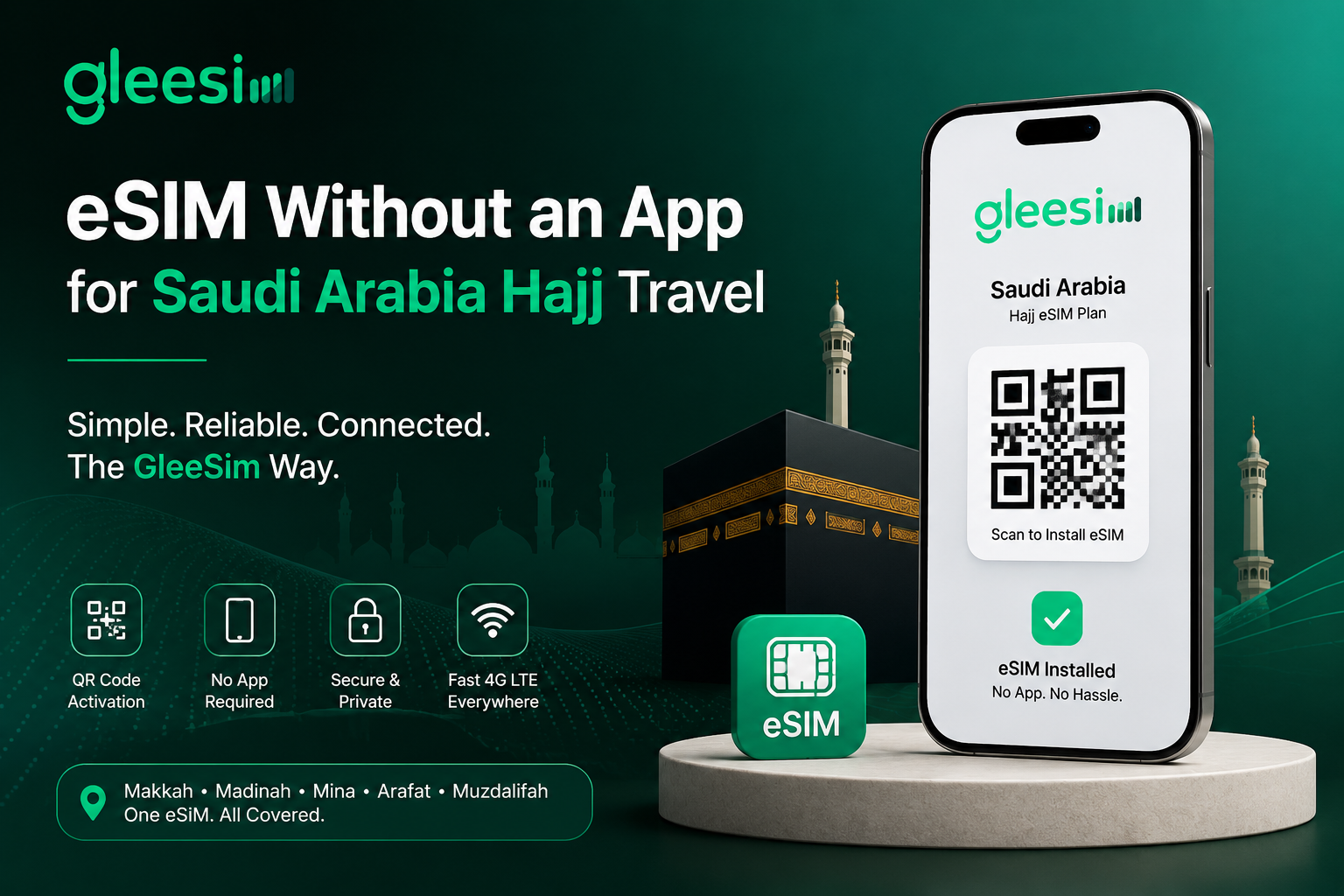
Saudi Arabia Hajj eSIM with GleeSIM helps pilgrims stay connected instantly with fast mobile data, easy QR code setup, and reliable coverage across Makkah, Madinah, Mina, and Arafat throughout the Hajj journey.
There’s a quiet frustration building among Hajj pilgrims researching eSIMs.
They find a provider. The plan looks good. The price is fair. Then they read the fine print: “Download our app to activate.”
And suddenly there’s a new problem. A new account to create. A new app eating storage. A new login to remember. A new platform to trust with payment details. And a critical question nobody answers clearly: what happens if the app stops working in Makkah?
If you searched for an eSIM without an app for Saudi Arabia Hajj travel, you already sense that the app requirement is unnecessary friction on one of the most important journeys of your life.
You’re right. And GleeSim is built exactly the way you’re hoping: no app required, no account walls, no unnecessary steps between you and a working connection in Saudi Arabia.
eSIM apps exist primarily for commercial reasons, not technical ones. They let providers track usage, upsell top-ups, collect behavioral data, and lock customers into their ecosystem.
The technology itself — the QR code installation standard — requires no app whatsoever. It’s built directly into the operating system of every modern iPhone and Android device. Apple and Google designed eSIM to work natively, without third-party software.
So when an eSIM provider says “download our app,” they’re adding a layer that the technology never needed.
For Hajj pilgrims specifically, that extra layer creates real problems:
Storage constraints. Many pilgrims travel with phones that are already full — photos, Quran apps, offline maps, translation tools. Adding another mandatory app is one more thing competing for limited space.
App reliability in crowded networks. Hajj draws 2–3 million people to a concentrated area. Mobile networks in Makkah during peak Hajj are under extraordinary stress. An app that needs to “phone home” to a server to validate your eSIM plan is a dependency you don’t want when the network is overloaded.
Login and password friction. You’re in Mina. It’s 4am. You’ve just completed Rami al-Jamarat. Your eSIM data ran out and you need to top up. The last thing you want is to remember a password for an app you created four weeks ago.
App updates mid-trip. Some eSIM apps push mandatory updates that block functionality until the update is installed. In a location with poor connectivity, that update might not download. Your data plan is there — you just can’t access it because the app says it needs updating.
Privacy and data concerns. Some pilgrims — rightly — are cautious about installing data-harvesting apps from brands they’ve never heard of before.
None of these problems exist with an app-free eSIM like GleeSim.
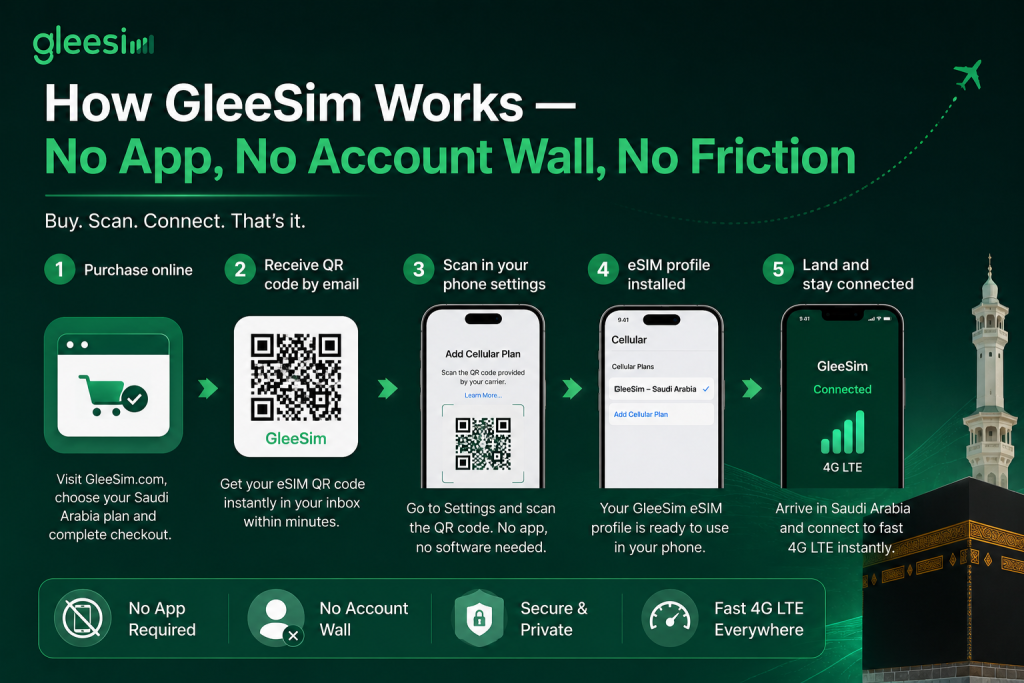
GleeSim’s Saudi Arabia Hajj eSIM works entirely through your phone’s built-in eSIM functionality. Here is the complete process — from purchase to connected:
Purchase online. Visit offers.gleesim.com/offer-detail/1448465/Travel on any browser. Select your Saudi Arabia plan. Complete checkout. No account creation required to get started.
Receive your QR code by email. Within minutes of purchase, GleeSim sends a QR code to your inbox. This is a standard eSIM QR code — the same format that Apple, Samsung, and Google designed their devices to read natively.
Scan the QR code in your phone’s settings.
That’s it. No app. No third-party software. Your phone’s own operating system handles the installation.
The eSIM profile appears in your settings. You’ll see “GleeSim — Saudi Arabia” listed as an available line. You can label it, set it as your data line, and confirm it’s installed — all within your phone’s native settings.
Fly to Saudi Arabia. Connect immediately on arrival. When your phone detects a Saudi Arabian network, GleeSim activates automatically. 4G LTE data, covering Makkah, Madinah, Mina, Arafat, and Muzdalifah — no app launch required.
The entire experience lives inside your phone’s settings, not inside a third-party app.
When GleeSim delivers a QR code rather than an app, they’re trusting the technology that Apple and Google spent years building and securing. That’s the right call — for technical and practical reasons.
Native eSIM management is more stable. Your phone’s Settings app doesn’t crash. It doesn’t need updates. It doesn’t require a server connection to display your SIM list.
Native eSIM switching is instantaneous. Toggling between your home SIM and your GleeSim data line takes two taps in Settings. No app to open. No loading screen.
Native eSIM storage is permanent. Once the GleeSim profile is installed on your phone’s eSIM chip, it stays there — even if you delete the email that contained the QR code. The profile is embedded in your device hardware.
No data shared with an app. GleeSim gets your payment information at checkout. After that, your eSIM profile is between you and your phone’s hardware. No app is monitoring your usage, your location, or your behavior.
For pilgrims who value simplicity, privacy, and reliability — native QR activation is the superior path. GleeSim delivers exactly that.
App-free activation is only half the equation. The other half is whether your eSIM actually works where you need it.
GleeSim’s Saudi Arabia plan provides 4G LTE coverage across every location a Hajj pilgrim visits:
Makkah al-Mukarramah Coverage in and around Masjid al-Haram, the Zamzam area, Safa and Marwa, and the broader city — including during peak Tawaf periods when millions are physically concentrated in one area.
Madinah al-Munawwarah Reliable connectivity around Masjid an-Nabawi, Quba Mosque, and throughout the city for pilgrims completing the Madinah portion of their journey.
Jeddah King Abdulaziz International Airport and the city — your arrival point and, for many, departure point.
Mina The tent city where pilgrims spend the Days of Tashreeq. Signal is available throughout the Mina valley.
Arafat (Jabal al-Rahmah) The plains of Arafat on the Day of Wuquf — the spiritual heart of Hajj. GleeSim maintains coverage here when it matters most.
Muzdalifah The overnight stop between Arafat and Mina. GleeSim covers this transit zone.
View the full Saudi Arabia GleeSim plan →
| GleeSim | App-Based eSIM Providers | |
| App required to activate | ❌ No app needed | ✅ Mandatory download |
| App required to manage plan | ❌ Use phone settings | ✅ Must open app |
| App required to top up | ❌ Web browser works | ✅ Usually app-only |
| Works if phone storage is full | ✅ Yes | ❌ Can’t install app |
| Works if app servers go down | ✅ Yes — native eSIM | ❌ May lose access |
| Privacy — no behavioral tracking | ✅ No app, no tracking | ⚠️ App collects usage data |
| Activation method | QR code (native) | QR code via app, or in-app |
| Saudi Arabia Hajj coverage | ✅ All major sites | ⚠️ Varies by provider |
| Pre-trip home testing | ✅ Yes | ⚠️ Sometimes |
For Hajj travel specifically — where reliability, simplicity, and peace of mind matter more than features — the app-free model wins clearly.
The keyword tells a story. People who search for an eSIM without an app aren’t searching because they’re tech illiterate. They’re searching because they’ve encountered the friction before and are actively avoiding it.
They’ve seen the “4.2 star app with 300 reviews” from a brand they’ve never heard of and thought: do I really need to trust this with my payment details and install their software on my phone just to get a SIM card?
The answer, with GleeSim, is no.
You don’t need to install anything beyond the eSIM profile itself — which installs in your phone’s hardware, not your app drawer. You don’t need to create an account with a password you’ll forget. You don’t need to worry about the app crashing in Mina at midnight.
You buy. You scan. You fly. You connect.
That’s the GleeSim philosophy — and it’s the right one for Hajj.
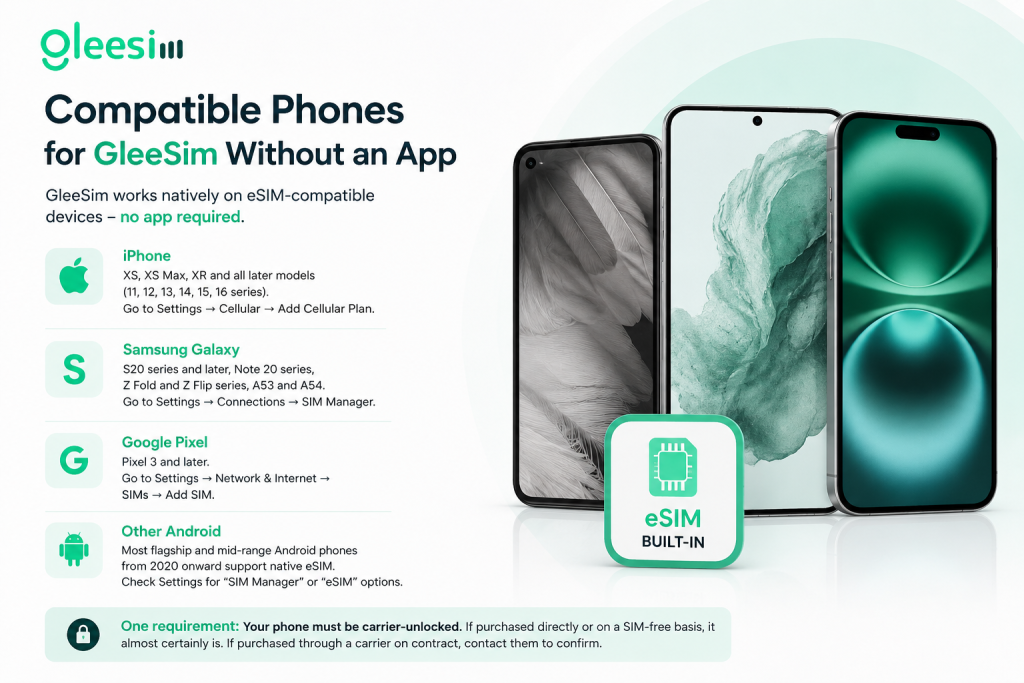
GleeSim’s QR activation works natively on:
iPhone: XS, XS Max, XR, and all later models (11, 12, 13, 14, 15, 16 series). Go to Settings → Cellular → Add Cellular Plan.
Samsung Galaxy: S20 series and later, Note 20 series, Z Fold and Z Flip series, A53 and A54. Go to Settings → Connections → SIM Manager.
Google Pixel: Pixel 3 and later. Go to Settings → Network & Internet → SIMs → Add SIM.
Other Android: Most flagship and mid-range Android phones from 2020 onward support native eSIM. Check Settings for “SIM Manager” or “eSIM” options.
One requirement: Your phone must be carrier-unlocked. If purchased directly or on a SIM-free basis, it almost certainly is. If purchased through a carrier on contract, contact them to confirm.
Do I need to create a GleeSim account to buy the eSIM?
No. You can complete checkout and receive your QR code without creating a permanent account. The QR code arrives by email — that’s your only requirement.
What if I delete the email with the QR code?
Once the eSIM profile is installed on your device, the QR code is no longer needed. The profile lives in your phone’s hardware. If you haven’t installed it yet and lost the email, contact GleeSim support for redelivery.
Can I manage my GleeSim plan without an app?
Yes. Your data usage is visible in your phone’s native Settings under cellular data. Top-ups and plan changes are available through GleeSim’s website on any browser.
Will GleeSim’s eSIM work if I have no Wi-Fi or cellular data to “activate” it?
The QR scan installs the profile using your phone’s hardware — it doesn’t require an active internet connection on the device at the time of scanning. The plan activates when your phone connects to a Saudi network.
Is GleeSim safe to purchase without installing an app?
Yes. GleeSim processes payments through standard secure checkout. No app means less data exposure, not more risk.
There are hundreds of decisions between now and your first day in Makkah. eSIM connectivity shouldn’t be a complicated one.
GleeSim gives you Saudi Arabia coverage — across Makkah, Madinah, Mina, Arafat, and Muzdalifah — through a QR code that installs in 60 seconds, using your phone’s own built-in eSIM functionality.
No app. No account friction. No storage drain. No crash risk.
Just a fast, reliable, 4G LTE connection waiting for you the moment you land in Jeddah.
Get your GleeSim Saudi Arabia Hajj eSIM now — no app required →
GleeSim is a global travel eSIM provider serving 190+ countries. All Saudi Arabia plans are delivered instantly via QR code — compatible with iPhone, Samsung, Google Pixel, and most modern eSIM-capable devices.
Looking for smarter travel connectivity and digital travel solutions? Explore more helpful guides for international travellers, Muslim tourists, and global diaspora communities: