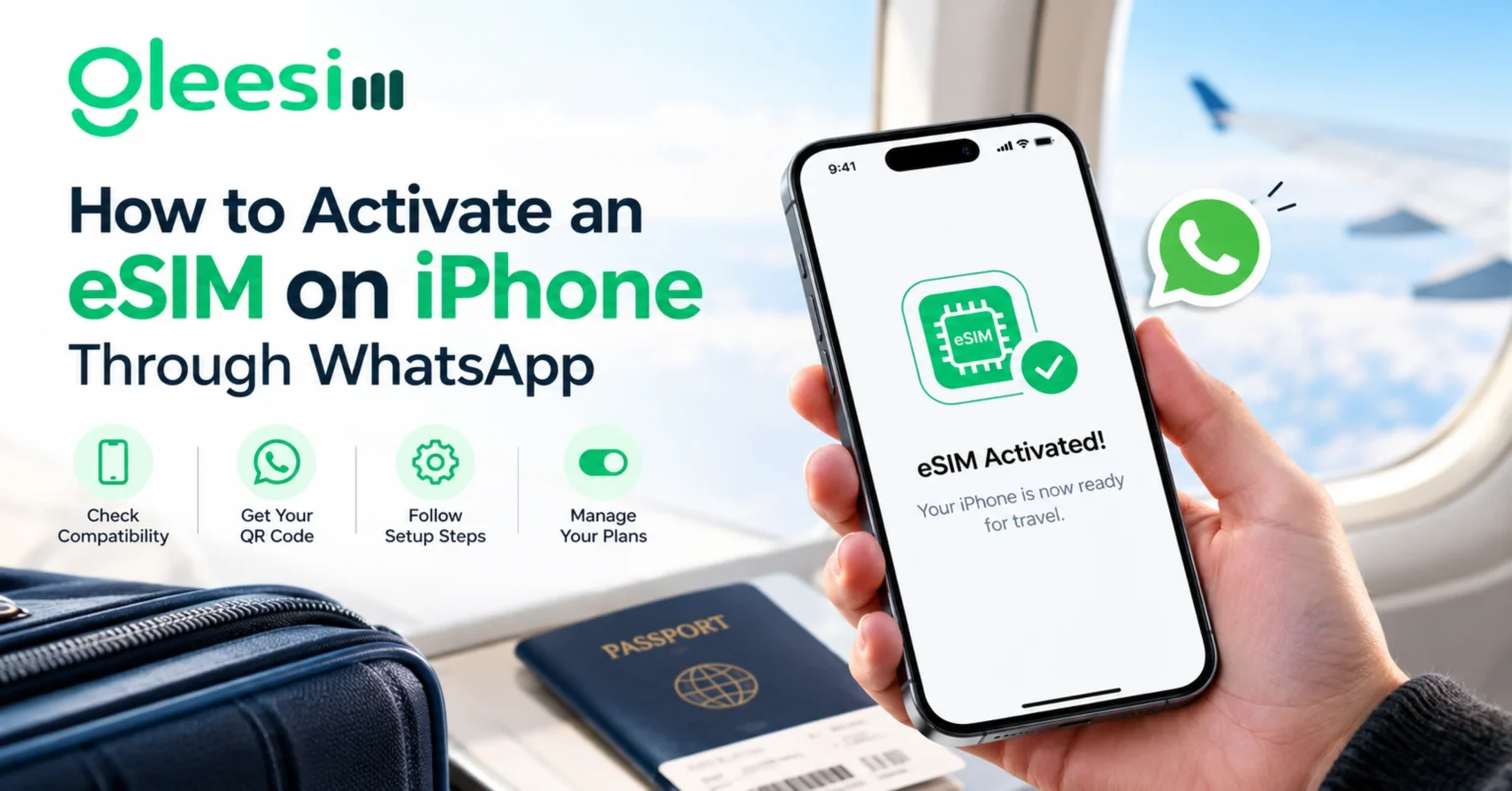
Bought a new iPhone and unsure whether it supports eSIM, or worried the activation process is more complicated than it needs to be? This article will help you to understand the exact steps for setting up a GleeSim eSIM on iPhone, which models actually support it, and what to do if activation does not go smoothly the first time. After developing a complete understanding, you can make a better decision on how to prepare before your next trip.
Most iPhones from the XS and XR generation onward support eSIM, though exact availability can vary slightly by region and carrier lock status, and some markets received eSIM support later than others depending on local carrier agreements.
QR activation: scanning a unique code with your iPhone camera to install a mobile network profile directly into Settings, typically completed in under two minutes once the code is received.
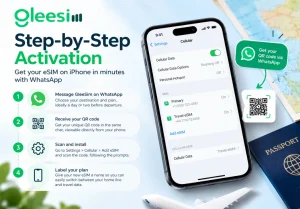
Occasionally an iPhone shows an error scanning the QR code directly from a screenshot, in which case opening the code as an image first, or requesting the manual entry details instead, usually resolves it. A weak wifi connection during activation can also cause a stall, so activating on a strong connection before departure is worth the extra few minutes.
Once installed, iPhone lets you set which line handles data by default under Settings, Cellular, Cellular Data, useful for making sure your travel eSIM, not your home SIM, handles data abroad to avoid unexpected roaming charges.
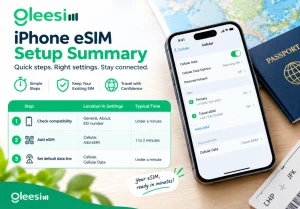
| Step | Location in Settings | Typical Time |
| Check compatibility | General, About, EID number | Under a minute |
| Add eSIM | Cellular, Add eSIM | 1 to 2 minutes |
| Set default data line | Cellular, Cellular Data | Under a minute |
Will this affect my existing SIM or number? No, your existing SIM and number stay fully active alongside the new eSIM.
Can I activate before I leave home? Yes, activate over wifi before departure so data works the moment you land, and you can confirm the eSIM shows as active before your flight.
What iPhone models are too old for eSIM? Generally anything before the iPhone XS or XR generation lacks eSIM hardware, meaning those models require a physical SIM instead.
Can I have more than one travel eSIM installed at once? Yes, iPhones support multiple eSIM profiles, though only a limited number can be actively used for data simultaneously depending on the model.
What if my QR code will not scan? Try viewing it as a saved image rather than scanning directly from the chat, or ask GleeSim on WhatsApp for the manual entry code and activation details as a backup.
See supported models on the iPhone device page or buy your plan at offers.gleesim.com.