Are you flying into Saudi Arabia for a NEOM-linked project meeting, a Vision 2030 investment conference, or a corporate site visit and cannot afford twenty minutes lost to app downloads? Vision 2030 has brought a distinct kind of business traveler into the country, often heading to newer regions like NEOM or Riyadh’s expanding financial districts where reliable data matters as much as it does in any established business hub. This article will help you understand how to get a working Saudi Arabia data plan through a single WhatsApp conversation. After developing a complete understanding, you can make a better decision on how you or your company handles connectivity for these trips.

It is rarely the eSIM itself that slows a business traveler down. It is the app installation, the account registration, and the payment form that eats into time better spent prepping for a meeting or site visit. A 40 word sentence like that captures the frustration well. Time matters, especially on tightly scheduled project trips.
A WhatsApp message sent from the taxi can have your Gleesim plan active before you reach the site or hotel.
Many corporate IT policies restrict new app installs. WhatsApp is almost always already approved.
NEOM-linked sites and emerging business zones need connectivity planning that a generic city-only eSIM does not always account for.
Local Latency describes how quickly data travels between your device and the nearest network tower. Lower latency means smoother video calls and faster page loads, both critical during business meetings conducted over mobile data in newer, still-developing regions.
Message Gleesim on WhatsApp while still at your departure gate, noting if your trip includes NEOM or other newer project sites.
Request a bundle sized for your trip length, whether it is two days or two weeks.
Scan the QR code during your flight if the aircraft offers Wi-Fi, so you land already connected.
Keep the chat open for quick top-ups if your meetings extend longer than planned.
| Consideration | Traditional Roaming | App-Based eSIM | Gleesim via WhatsApp |
| IT approval needed | No, but costly | Sometimes | Rarely, WhatsApp is standard |
| Setup time | None, but expensive | 10 to 15 minutes | Under 5 minutes |
| Coverage in newer zones | Inconsistent | Variable | Route-checked in advance |
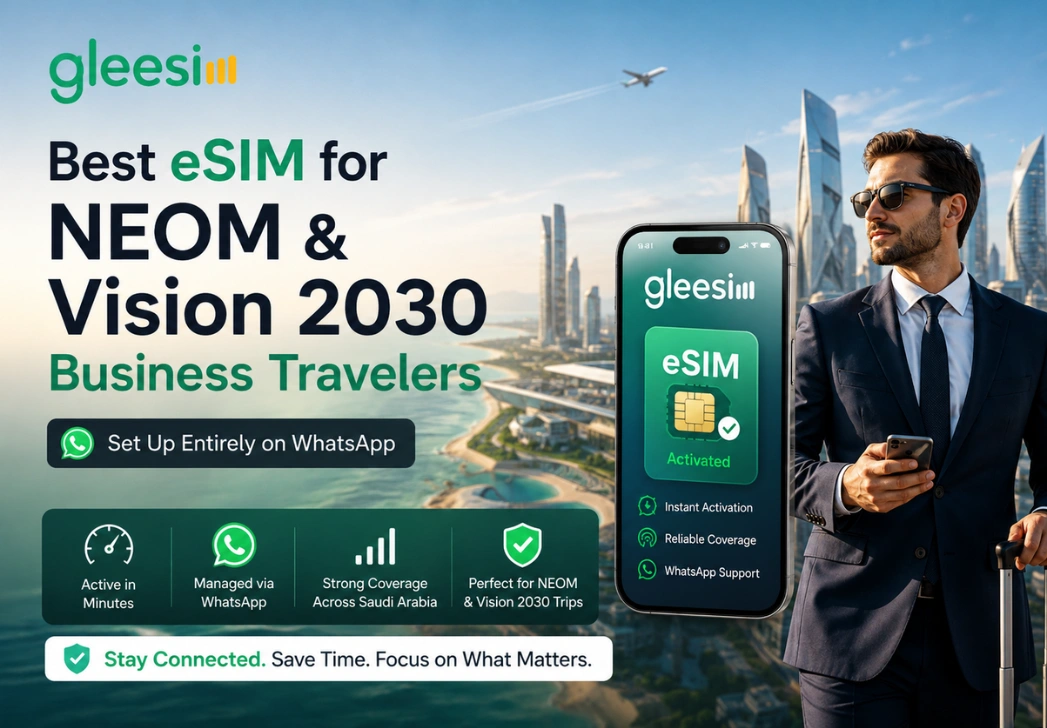
Frequent flyers heading into Saudi Arabia for NEOM, LEAP, FII, or general Vision 2030 project work increasingly want one thing: fewer steps between landing and being reachable, regardless of how established the destination region is. Gleesim’s corporate eSIM solutions were designed around that exact demand.
For teams managing multiple traveling employees across a growing list of Saudi project sites, a shared WhatsApp coordination point also simplifies tracking who is connected and where.
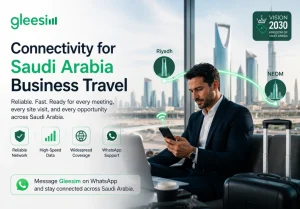
Business travel connectivity should never be the bottleneck in your itinerary, especially in a country expanding as fast as Saudi Arabia is right now.
Message Gleesim on WhatsApp before your next Saudi Arabia project trip and stay connected from the moment you land.