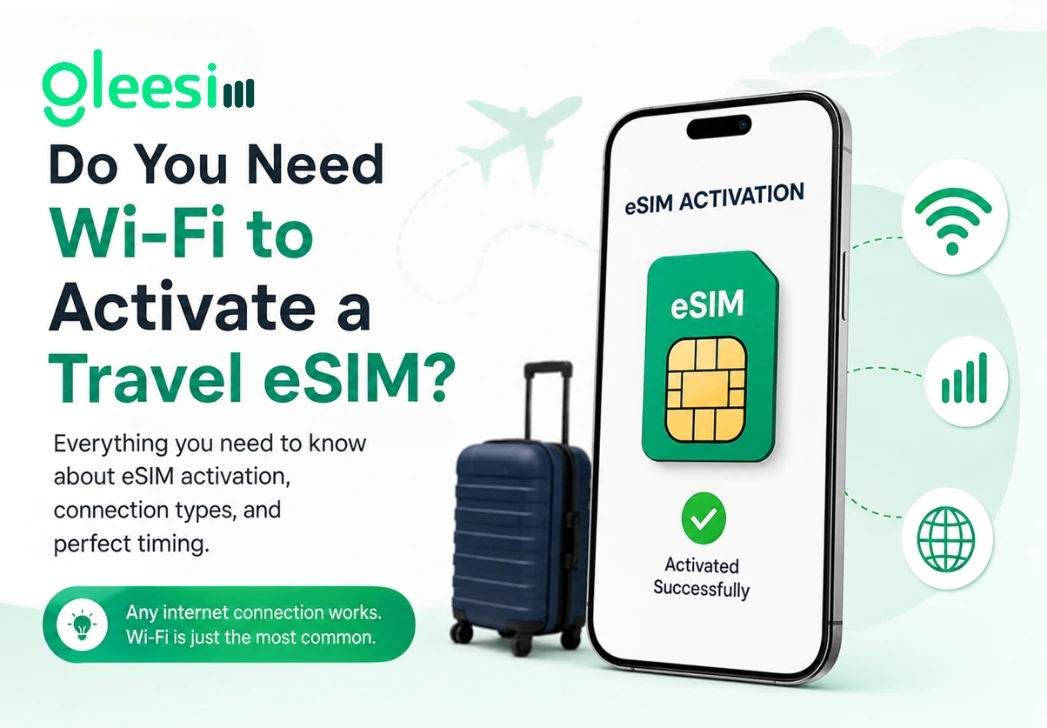
Short answer: you need some form of internet connection to activate a travel eSIM, but it does not have to be wifi specifically, and timing your activation right matters more than which connection type you use. This article explains exactly what is required, when the best moment to activate actually is, and what your options are if you forget to do it before you fly.
Installing an eSIM profile onto your phone requires a working internet connection at the moment you scan the QR code, since your phone needs to download and install the network profile itself from that code. That connection can be wifi, your home mobile data, or any other working internet source, wifi is simply the most common and reliable option travelers reach for given how widely available it is at home and in most airports.
eSIM provisioning: the backend process that assigns a digital SIM profile to your device once activated, requiring an internet connection at the moment of installation regardless of which type of connection that is.
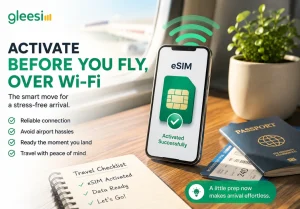
Airport wifi is often crowded and unreliable, particularly during peak travel hours when hundreds of other passengers are also trying to connect, and your home mobile data may not work at all once you land in a new country given standard roaming limitations. Activating your GleeSim eSIM over home or office wifi a day or two before departure means the installation happens on a connection you already trust and know works well, and your eSIM sits ready and waiting the moment you land, with nothing left to figure out during an already busy arrival process.
If you land without having activated yet, you can typically still complete the process using airport wifi, most international airports offer at least basic free wifi sufficient for a quick eSIM installation, even if it is not the fastest or most reliable connection available. This works, but adds a step to your arrival process that pre-activation avoids entirely, competing with baggage claim, immigration queues, and finding transport into the city for your attention at a moment when you would rather just be moving.
Some travelers split the difference, waiting until they are at the departure gate with reliable airport wifi rather than activating days in advance. This works well too, and has the advantage of confirming your eSIM is fresh and ready right before you actually need it, though it does mean relying on departure airport wifi being stable enough to complete the process in the window before boarding.
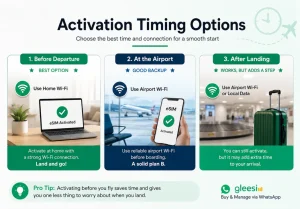
| When you activate | Connection needed | Recommended? |
| Before departure, at home | Home wifi | Yes, most reliable |
| At the airport before boarding | Airport wifi | Workable backup |
| After landing | Airport wifi or local data | Works, but adds a step |
Can I activate using my home mobile data instead of wifi? Yes, any working internet connection completes the installation, wifi is simply the most common and dependable choice given how easy it is to find a strong connection at home.
Does the eSIM stay installed even if I lose the wifi connection right after activating? Yes, once installed the eSIM profile stays on your device, ready to connect to the destination network once you land and it detects a partner tower, with no need to stay connected to that original wifi network afterward.
Is there a risk the QR code expires if I wait too long to scan it? GleeSim’s QR codes remain usable in your chat history for a reasonable window, though activating closer to your travel dates rather than weeks in advance is the more common and generally recommended practice.
Do I need to keep wifi on the whole time during activation? Just for the brief period the installation takes, typically under two minutes, after that your phone completes the process independently and you can disconnect from that wifi network without any issue.
What if the airport wifi genuinely does not work at all? In that rare case, message GleeSim on WhatsApp using any available connection, even a brief public network at a cafe or lounge, activation only needs a short window of connectivity rather than a sustained stable connection.
Is it better to activate the night before or the morning of departure? Either works fine, the main goal is simply completing activation before you are relying on unfamiliar or potentially unstable connections abroad, so whichever timing fits your schedule and gives you a reliable wifi source is the right choice.
Learn more about activation timing on the GleeSim resources page or buy your plan at offers.gleesim.com.
Use code GLEE10 when purchasing via WhatsApp
No registration required Purchase as a guest Under 2 minutes Buy & manage directly via WhatsApp
Save 10% with GLEE10