More pilgrims travel to Saudi Arabia for Umrah from Pakistan than from any other country in the world. According to the Saudi Ministry of Hajj and Umrah, Pakistan has repeatedly topped the list of nationalities performing Umrah, with hundreds of thousands of Pakistani pilgrims making the journey in a single Islamic calendar quarter. With numbers like that, it’s worth asking a very practical question before you fly: how are you going to get online the moment you land?
Jeddah and Madinah airports get extremely busy during Umrah season, and local SIM counters in Saudi Arabia require in-person registration with a passport — not something you want to queue for after a long flight, especially if you’re travelling with elderly family members or a large group. An eSIM sidesteps that queue entirely: you install it before you leave home, and it’s ready the moment your phone finds a Saudi network.
It also solves a problem specific to Pakistani travellers: many local prepaid roaming add-ons from Pakistani carriers are either expensive for data-heavy use or have limited validity, which doesn’t suit a multi-day pilgrimage with days spent between Makkah, Madinah, and transit points.
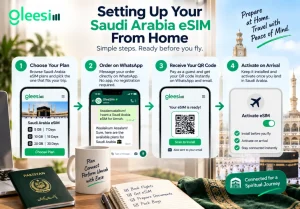
You don’t need to be in Saudi Arabia — or even own an international SIM already — to set this up. Browse current data plans on GleeSim’s Saudi Arabia eSIM page and choose a plan sized for your trip length.
Message your order on WhatsApp and pay as a guest. Your QR code arrives in the same chat and by email, so you can install it days before your flight, while you still have reliable home WiFi to work with.
Leave the eSIM installed but inactive until you land — full activation steps are on GleeSim’s activation guide. Once your phone connects to a Saudi network, your data plan switches on automatically.
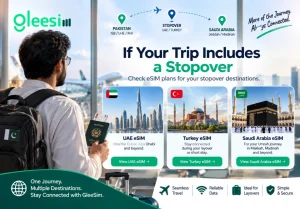
Many pilgrims from Pakistan fly via the UAE or Turkey. If your itinerary includes a layover or a short stay in either, it’s worth checking GleeSim’s UAE eSIM page or Turkey eSIM page separately, since a Saudi Arabia-only plan won’t carry data in those countries.
Yes. The eSIM purchase is entirely separate from your visa and travel documents — you’re simply buying a data plan, which you can do at any point before you fly.
Coverage runs across the main holy sites and cities used during Umrah. For specifics on your device and any location questions, GleeSim’s FAQ page and WhatsApp support can confirm current coverage.
No — Nusuk works with your existing phone number and an internet connection; the eSIM’s job is purely to supply that connection while you’re in the Kingdom.
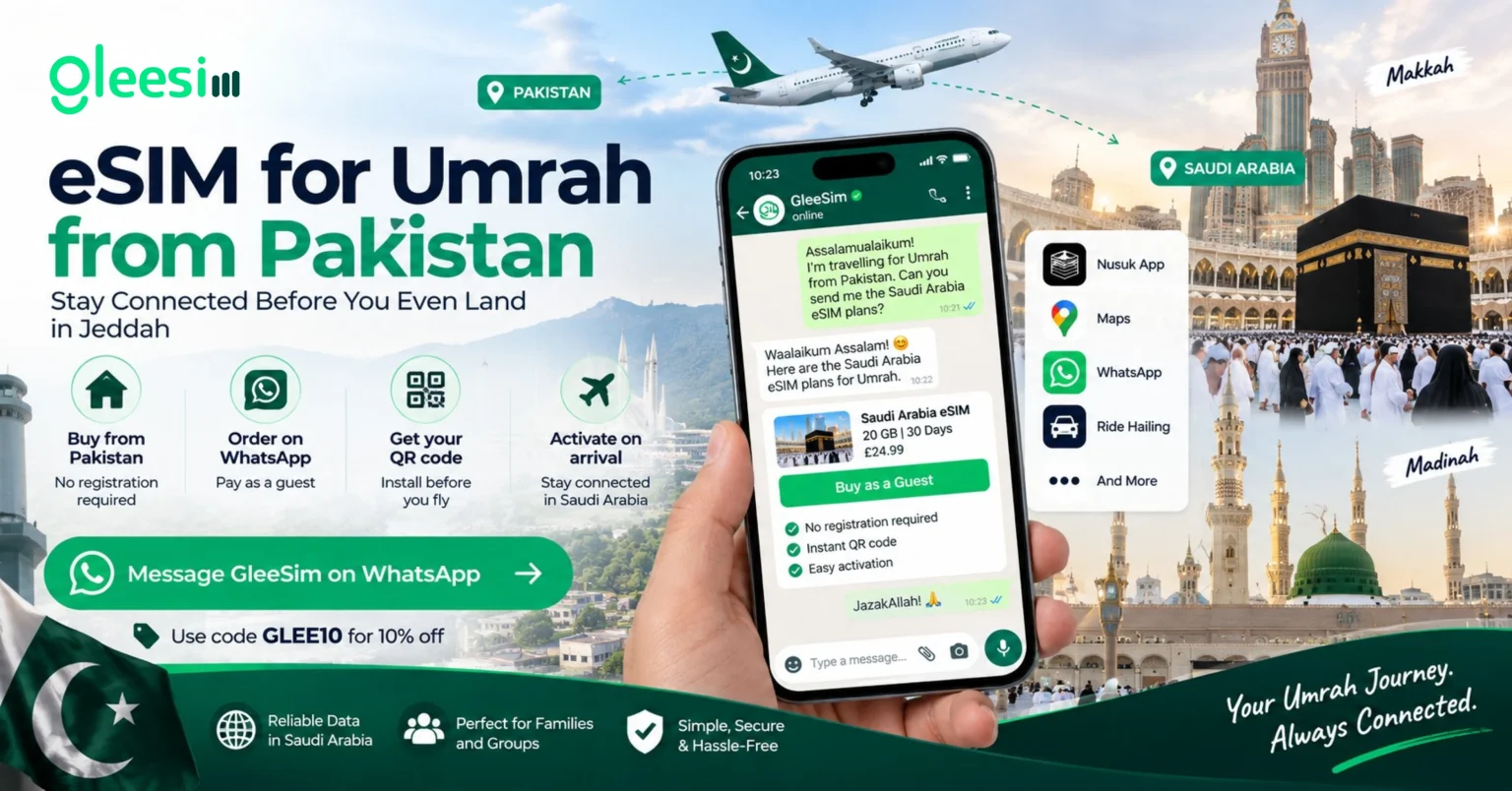
Message GleeSim on WhatsApp before you leave Pakistan and have your Saudi Arabia eSIM ready to activate the moment you land. Use code GLEE10 for 10% off.