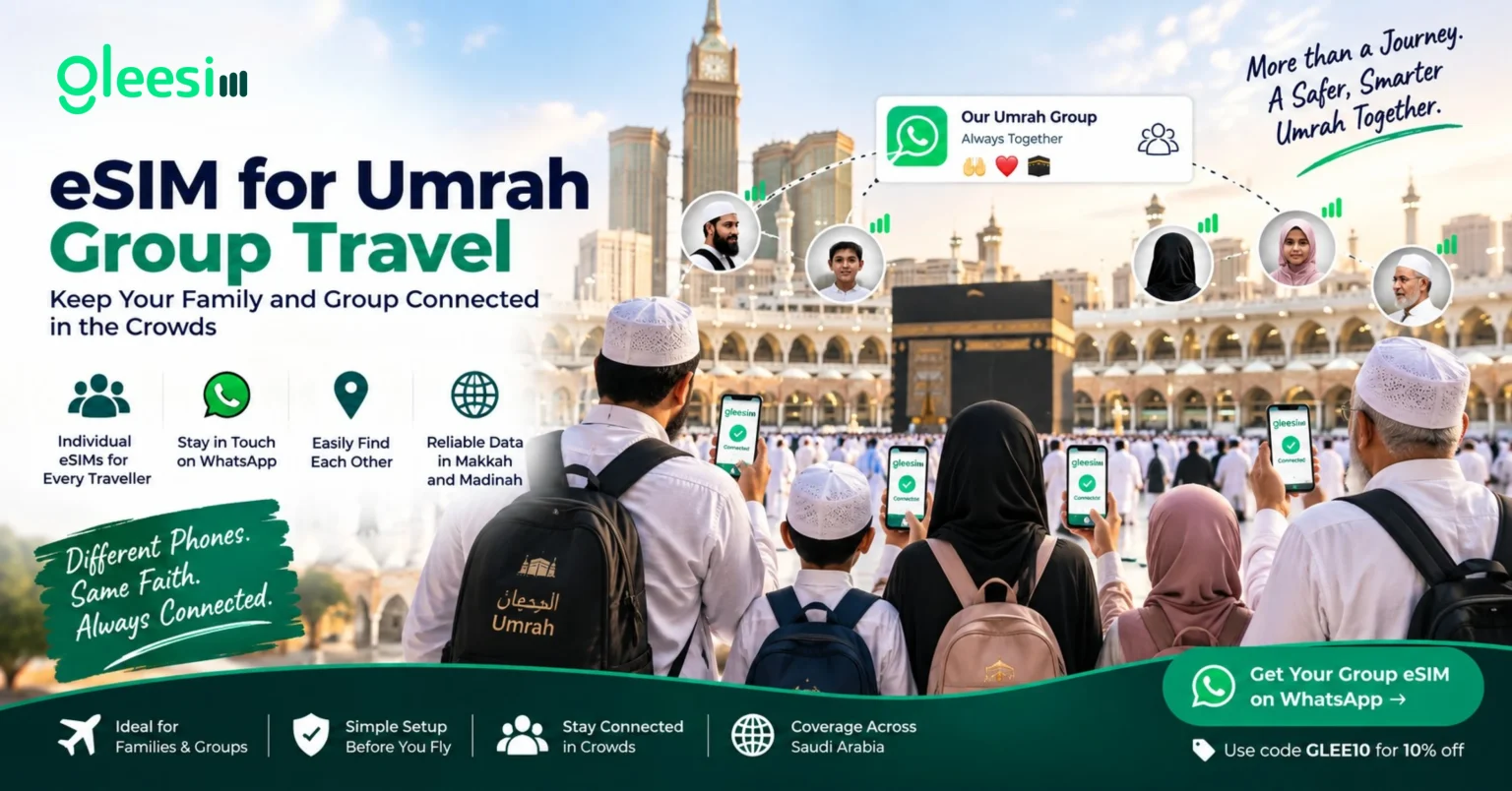
Masjid al-Haram and Masjid an-Nabawi regularly hold crowds in the hundreds of thousands, particularly during Ramadan. If your Umrah group includes elderly parents, young children, or anyone prone to getting separated in a crowd, a working phone connection for every single traveller isn’t a convenience — it’s how you find each other again.
It’s common for groups to lean on a single designated phone for directions or updates, but that breaks down the moment the group splits — which happens constantly around prayer times, at Tawaf, or simply moving through dense crowds. Every traveller who might need to reach the rest of the group, or be reached by them, needs their own working data connection.
Data needs vary by traveller — someone mostly using Nusuk and WhatsApp needs less than someone sharing photos and video calling family throughout the trip. Compare options on GleeSim’s Saudi Arabia eSIM page before ordering.
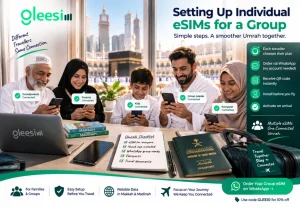
Each traveller’s eSIM is bought and managed individually — there’s no requirement to route everything through one person’s account. Families and groups can purchase multiple eSIMs from GleeSim, each one managed on its own through WhatsApp, which matters if different people want to top up or check their own balance without asking someone else to do it for them.
Set every phone up before departure using GleeSim’s activation guide, so nobody is fumbling with settings at the airport or, worse, after getting separated from the group.
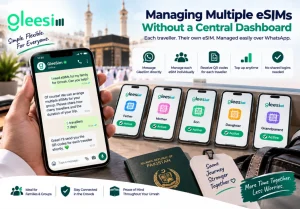
Because there’s no app to log into, checking on a family member’s plan means messaging GleeSim directly rather than searching through someone else’s account. It’s a small trade-off for not needing shared logins across a group where not everyone is equally comfortable with apps — the FAQ page covers how top-ups and balance checks work per traveller.
Yes, you can place multiple orders in one conversation, but each eSIM is still installed and activated on its own device individually.
No. You can order on behalf of the group; each QR code is simply sent to whichever WhatsApp number or email you provide for that traveller.
They can top up their own eSIM independently through WhatsApp, without affecting or needing to coordinate with anyone else’s plan.
Set up an individual eSIM for every member of your Umrah group before you travel — message GleeSim on WhatsApp for each traveller. Use code GLEE10 for 10% off.