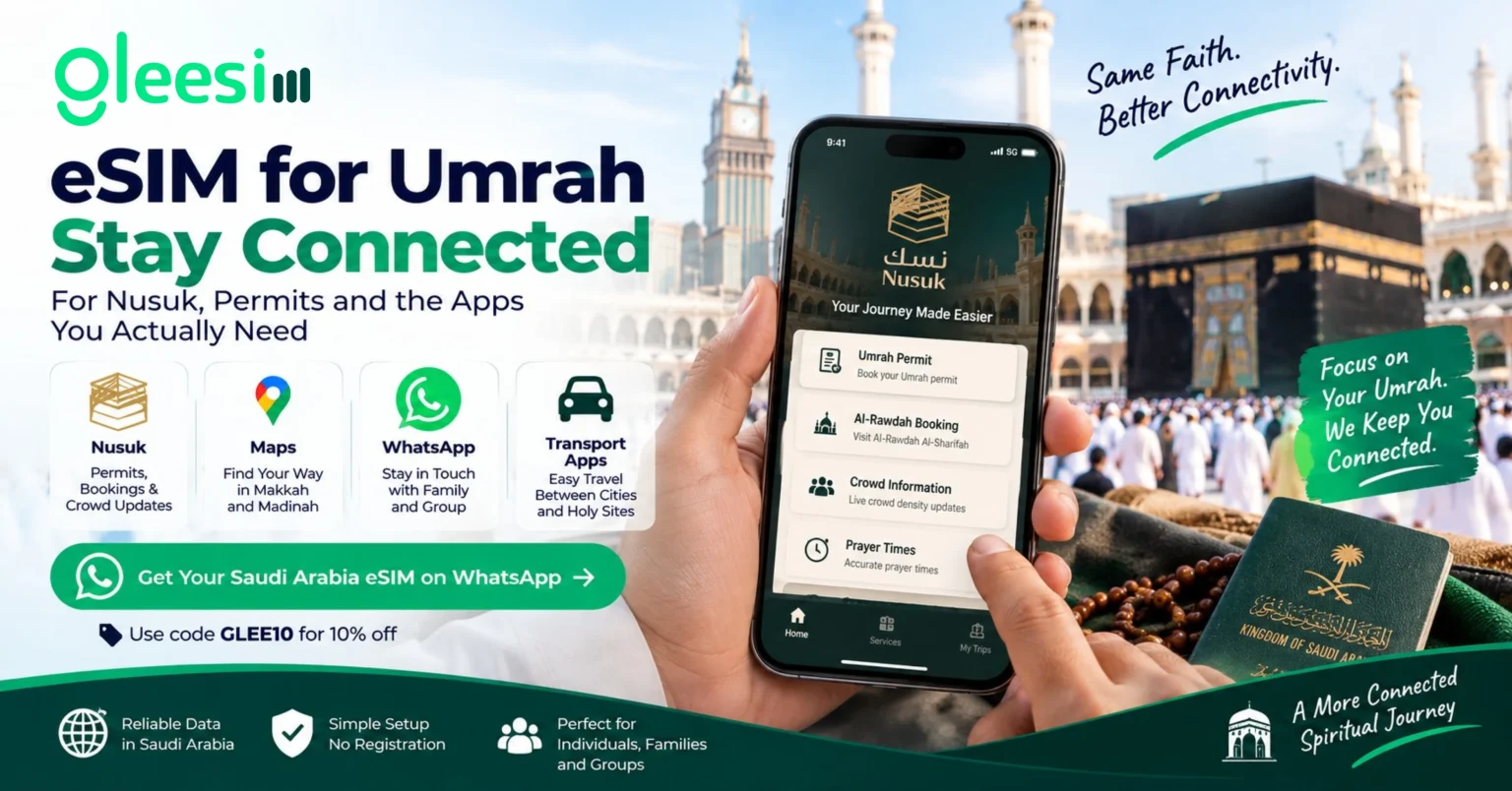
A generation ago, Umrah logistics ran on paper permits and printed itineraries. Today, most of it runs through one app: Nusuk, the Saudi Ministry of Hajj and Umrah’s official digital platform, which had surpassed 51 million users as of early 2026. Permits, Al-Rawdah Al-Sharifah visit bookings, crowd density information, and prayer times are all delivered through it — which means a pilgrim with no working data connection is, in a very real sense, cut off from the tools the pilgrimage itself now runs on.
None of this is optional in the way sightseeing photos or social media are. A permit you can’t access on your phone is a permit you effectively don’t have with you.
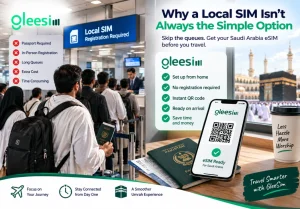
Saudi Arabia requires in-person registration with a passport to buy a local prepaid SIM — a process that takes time and Saudi riyals you may not have exchanged yet, right after a long flight. An eSIM installed before you travel removes that step: you set it up at home, and it activates automatically once your phone connects to a Saudi network on arrival.
Check current data plans on GleeSim’s Saudi Arabia eSIM page and pick one sized to your trip length — Umrah trips can run anywhere from a few days to several weeks.
Message your order on WhatsApp as a guest, with no account required. Your QR code is sent by WhatsApp and email as soon as payment clears, so you can install it while you’re still on reliable home internet — well before you’re relying on it at the airport.
Download Nusuk, save your permits, and get familiar with the app while you have full connectivity. Arriving with the apps already installed and your accounts already logged in means your eSIM only has to carry data, not also handle a slow first-time app download at the airport.
Full activation instructions are on GleeSim’s activation guide. Your existing SIM stays in place for calls and texts; the eSIM handles data only.
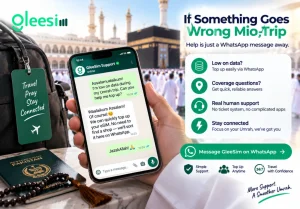
Running low on data or unsure about coverage at a specific site is a message away — no ticket system, no app to dig through. GleeSim’s FAQ page covers common questions, and WhatsApp support handles anything more specific.
No. Nusuk works over any active data connection, including a travel eSIM — it’s tied to your account and phone number, not to a specific network.
Yes, but it’s easier to do it before you fly while you have unrestricted WiFi. Saving your permits and bookings in advance also means you’re not dependent on a perfect connection the moment you land.
You can top up directly through the same WhatsApp conversation you used to buy the plan, without needing to find a shop or a working local SIM counter.
Get your Saudi Arabia eSIM ready before you fly — message GleeSim on WhatsApp and have your QR code installed before you leave for the airport. Use code GLEE10 for 10% off.