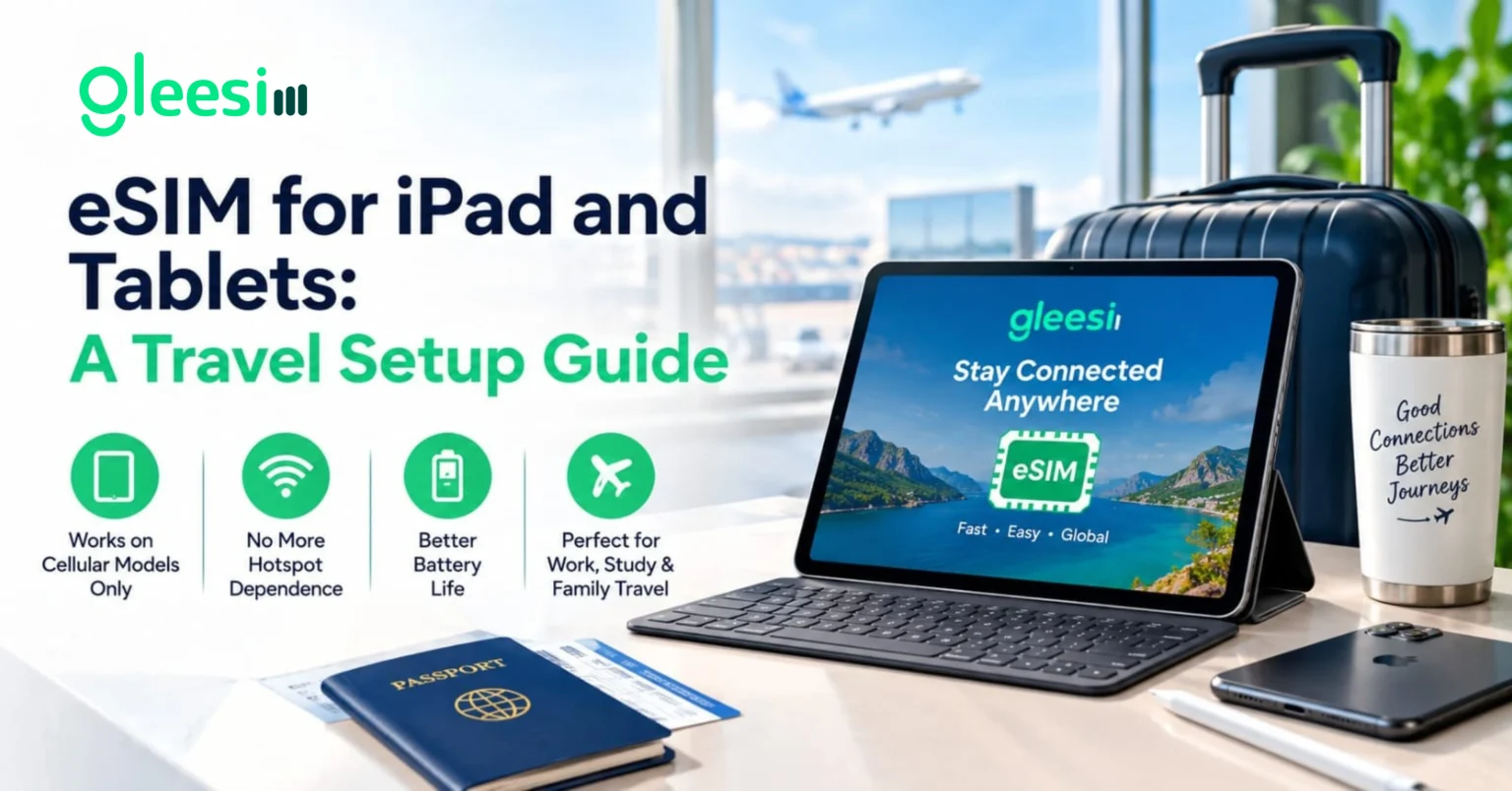
Traveling with an iPad or Android tablet and want it connected independently of your phone’s hotspot? This article will help you to understand how to set up a GleeSim eSIM directly on your tablet, which models actually support it, and when a dedicated tablet plan makes more sense than relying on your phone. After developing a complete understanding, you can make a better decision on whether a dedicated tablet eSIM makes sense for your trip.
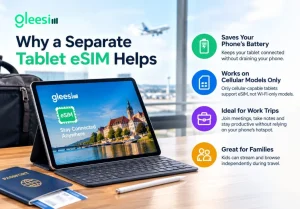
Relying on your phone’s hotspot drains its battery fast and ties your tablet’s connection to your phone’s location and battery life, which becomes inconvenient if you want to use a tablet independently for work, reading, or entertaining kids on a long trip.
Local latency: the delay between your device’s request and the nearest tower’s response, generally consistent whether the connected device is a phone or a tablet, since it depends on network conditions rather than device type.
The activation process closely mirrors phone setup, message GleeSim on WhatsApp, receive your QR code, and scan it through the tablet’s own cellular settings menu, typically found under a similar Settings and Cellular Data path as on an iPhone or Android device.
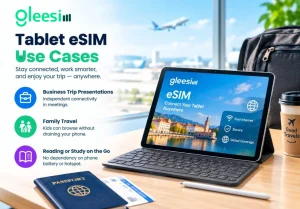
| Use Case | Benefit |
| Business trip presentations | Independent connectivity in meetings |
| Family travel | Kids can browse without draining parent’s phone |
| Reading or study on the go | No dependency on phone battery or hotspot |
Can my tablet and phone share the same GleeSim plan? Each device typically needs its own eSIM profile and plan, though you can manage both in the same WhatsApp thread for simpler coordination.
Is setup different from a phone? The scan-and-activate process is nearly identical, just accessed through the tablet’s own cellular settings menu rather than a phone’s.
Do all tablets released in the last few years support eSIM? No, only cellular-capable models include the hardware, wifi-only versions of the same tablet line typically do not support it.
Is a tablet eSIM worth it for a short weekend trip? For very short trips relying on a phone hotspot may be simpler, but for longer trips or heavier tablet use, a dedicated eSIM tends to be more convenient.
Can I use the same tablet eSIM across multiple countries on one trip? Yes, if your trip covers multiple countries, message GleeSim on WhatsApp to add each destination to the same plan.
See device details on the iPad and Tablets page or buy your plan at offers.gleesim.com.