Standing at the gate with a “storage almost full” notification and realizing the eSIM provider you picked requires downloading their app is a genuinely common, oddly under-discussed travel problem. This article covers the no-download alternative for exactly that situation, and why it matters more than most eSIM marketing acknowledges.
Phones fill up fast before a trip, offline maps downloaded for the destination, a dozen new photos already taken at the airport, translation app language packs for a country you have never visited, and a boarding pass wallet app all competing for space before you have even left home. Adding a new eSIM provider’s app on top of that, often several hundred megabytes once fully installed with all its assets and updates, can be the thing that finally triggers a low storage warning at the worst possible moment, usually right as you are trying to complete the very purchase that app was meant to enable.
This is a particularly common issue for travelers with older phone models that shipped with less base storage, or anyone who simply has not deleted old photos and apps in a while, which describes a genuinely large share of travelers regardless of how new or expensive their phone is. It is not a niche edge case, it is a real friction point that most eSIM marketing simply never mentions because it does not fit the narrative of how smooth their app supposedly is.
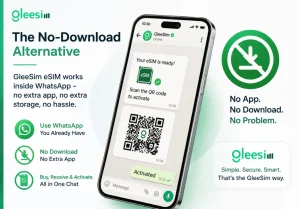
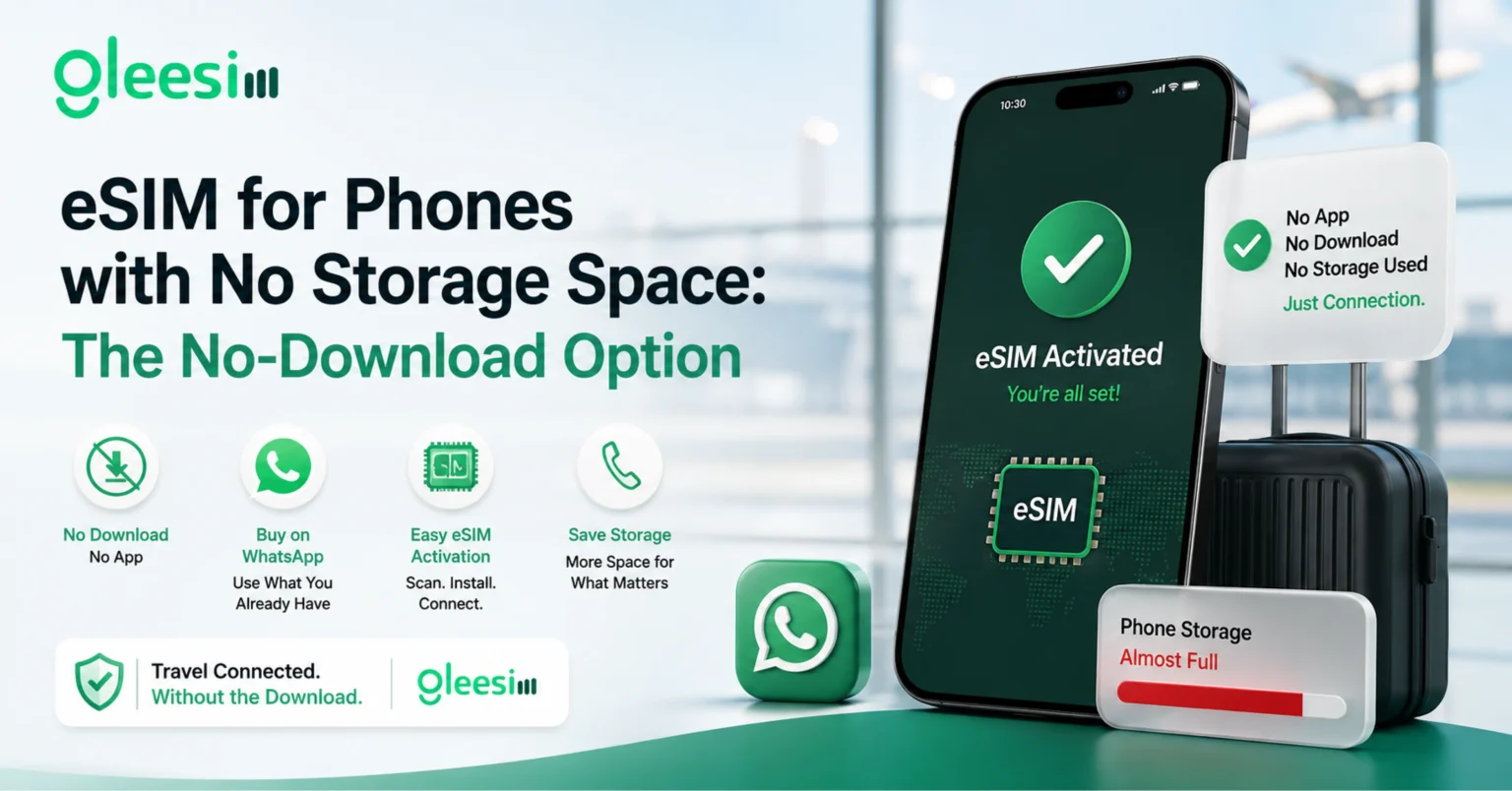
GleeSim’s entire purchase and activation flow happens inside WhatsApp, an app nearly every international traveler already has installed and needs zero additional storage to use, since no new app means no new storage taken up at all. The only storage requirement is whatever space your phone’s own operating system needs to save the eSIM profile itself, which is minimal, well under what a typical provider app requires once fully installed with its interface, cached data, and updates.
App-free activation: a purchase and setup flow completed entirely inside an existing messaging app, removing the need to download, register for, or log into a separate provider app before you can buy a plan, which also means no additional storage burden on an already full phone.
Even setting the eSIM question aside, clearing out old app caches, duplicate photos, and apps you have not opened in months before a trip is generally good practice, since travel itself tends to generate a lot of new storage demand quickly, offline maps, photos, and boarding passes all add up fast once you are actually on the move.
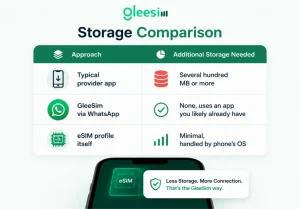
| Approach | Additional Storage Needed |
| Typical provider app | Several hundred MB or more |
| GleeSim via WhatsApp | None, uses an app you likely already have |
| eSIM profile itself | Minimal, handled by phone’s OS |
Does the eSIM profile itself take up meaningful storage once installed? No, the profile itself is a very small amount of data managed by your phone’s operating system, unrelated to any app storage concerns you might have going into the process.
What if I don’t have WhatsApp installed at all yet? WhatsApp is a relatively small download compared to most dedicated eSIM provider apps, and a one-time install rather than something tied specifically to buying an eSIM, useful well beyond this single purchase too.
Can I delete WhatsApp after my trip if I only wanted it for this purchase? Technically yes, though most travelers keep WhatsApp installed regardless given how widely it is used for messaging generally, well beyond just eSIM purchases, so this is rarely a real concern in practice.
Is this a common enough problem that it’s worth planning around? Genuinely common, particularly for travelers with older phones or lower-storage models, and one of the more overlooked reasons an app-free purchase flow matters in practice, not just as a marketing talking point.
Does a low-storage phone affect eSIM performance once installed? No, once installed and activated, network performance depends on the destination’s coverage and your plan, not your phone’s remaining storage space at the time of purchase.
Are older phones more likely to run into this storage problem specifically? Yes, older models often shipped with less base storage than current devices, and years of accumulated apps and photos compound that constraint further, making an app-free purchase option genuinely more valuable for that group of travelers.
Skip the download entirely on the GleeSim resources page or buy at offers.gleesim.com.
Use code GLEE10 when purchasing via WhatsApp
No registration required Purchase as a guest Under 2 minutes Buy & manage directly via WhatsApp
Save 10% with GLEE10