Are you flying into Jeddah for the Saudi Arabian Grand Prix and wondering how your data plan will hold up with tens of thousands of fans packed along the Corniche Circuit? Race weekend brings a level of crowd density that most travelers never plan for, and a slow connection can mean missing a meetup point or a live timing update. This article will help you understand how to prepare your connectivity before the lights go out on race day. After developing a complete understanding, you can make a better decision on how you handle data for the whole weekend.
The Jeddah Corniche Circuit draws a dense international crowd across practice sessions, qualifying, and the race itself. Between rideshare coordination, ticket QR codes, and keeping in touch with your group across a sprawling circuit, a shaky connection turns a simple task into a frustrating one.
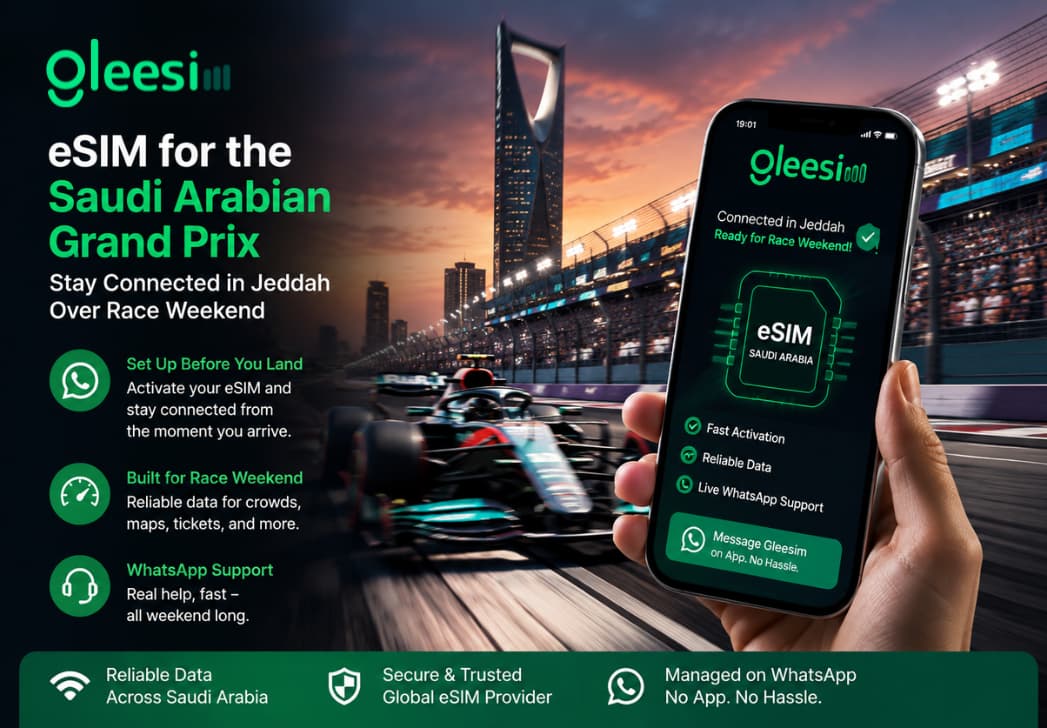
Message Gleesim on WhatsApp ahead of your flight so your Jeddah data plan is active before you reach the paddock area.
Gleesim’s digital roaming standards are built to hold up under the same kind of dense, short-burst crowd patterns seen at major sporting events.
A quick WhatsApp message gets you support faster than searching for an app’s help section between sessions.
Peak Load Events are short, high-density gatherings such as race weekends or festivals where mobile networks face a sudden surge in simultaneous users, often straining local towers more than everyday city traffic.
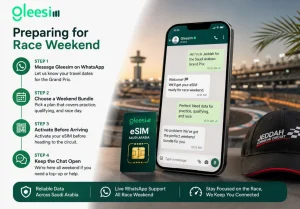
Message Gleesim on WhatsApp once your travel dates for the Grand Prix are confirmed.
Choose a bundle covering the full weekend, including any practice or qualifying days you plan to attend.
Activate your QR code before arriving at the circuit, since dense fan crowds can slow down new activations once you are inside.
Keep the chat open for the whole weekend in case you need a quick top-up between sessions.
| Option | Performance in Circuit Crowds | Setup Speed | Support During the Weekend |
| Standard roaming | Often congested | Automatic but costly | Limited |
| App-based eSIM | Inconsistent under load | Medium | App tickets |
| Gleesim via WhatsApp | Built for peak crowds | Minutes, before travel | Live chat all weekend |
International fans flying in specifically for the Saudi Arabian Grand Prix rarely think about connectivity until they are standing in a packed grandstand trying to load a live timing app. Planning ahead with Gleesim international data plans means one less variable to worry about once the engines start.
Race weekend should be about the racing, not troubleshooting a dead connection between sessions. Message Gleesim on WhatsApp before your Jeddah trip and stay connected from the first practice lap to the checkered flag.