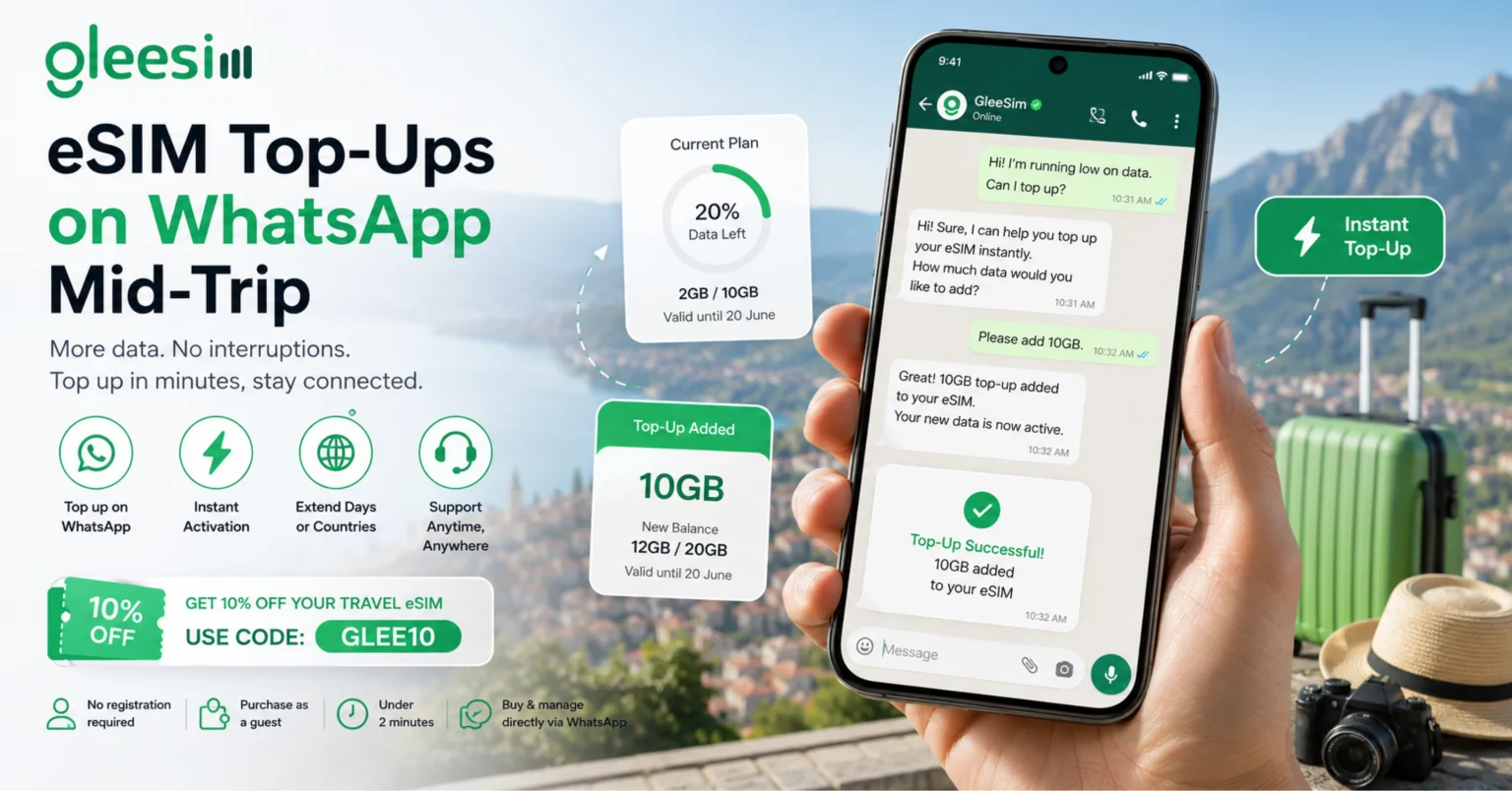
Running low on data halfway through a trip and dreading logging into a forgotten account to add more? This article will help you to understand how mid-trip top-ups work through GleeSim’s WhatsApp system, what signs indicate you are close to running out, and how quickly a top-up actually applies. After developing a complete understanding, you can make a better decision on how much data to buy upfront versus adding as you go.
A dashboard login means remembering credentials you set up weeks ago, often while standing somewhere with weak signal and limited patience. A WhatsApp thread stays open in your recent chats the entire trip, meaning no searching for a forgotten password at the worst possible moment.
Multi-IMSI switching: a technical feature that can let one eSIM profile connect through more than one network partner, sometimes used when adding data or extending coverage mid-trip to a neighboring country.
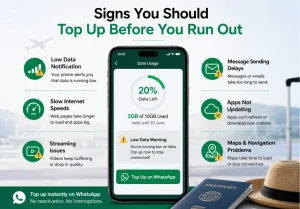
Most phones show a data usage warning as you approach your plan’s limit, and travelers who keep the GleeSim WhatsApp thread easily accessible tend to message ahead of actually running out, avoiding the awkward gap of being briefly offline mid-itinerary.
| Situation | Action | Result |
| Running low on data | Message WhatsApp thread | Instant top-up applied |
| Extending trip length | Request additional days | Plan extended without new setup |
| Adding a new country | Share new destination | New country coverage added |
Do I lose my existing data balance when I top up? No, added data stacks onto your current allowance rather than replacing it.
Can I top up for a different country if my trip extends there? Yes, message GleeSim on WhatsApp with the new destination to add it to your plan.
Is there a limit to how many times I can top up on one trip? No practical limit, travelers on longer trips commonly top up more than once as their itinerary develops.
How fast does a top-up actually apply after I confirm it? Typically within minutes, since it applies to your already-active eSIM profile rather than requiring a fresh installation.
What if I am in an area with very weak signal when I need to top up? Even a brief connection is usually enough to send a WhatsApp message and receive confirmation, though very remote areas may require moving to a spot with stronger signal first.
Learn more on the GleeSim resources page or manage your plan anytime at offers.gleesim.com.
Use code GLEE10 when purchasing via WhatsApp
No registration required Purchase as a guest Under 2 minutes Buy & manage directly via WhatsApp
Save 10% with GLEE10