GleeSIM eSIM QR code activation for Saudi Arabia travel

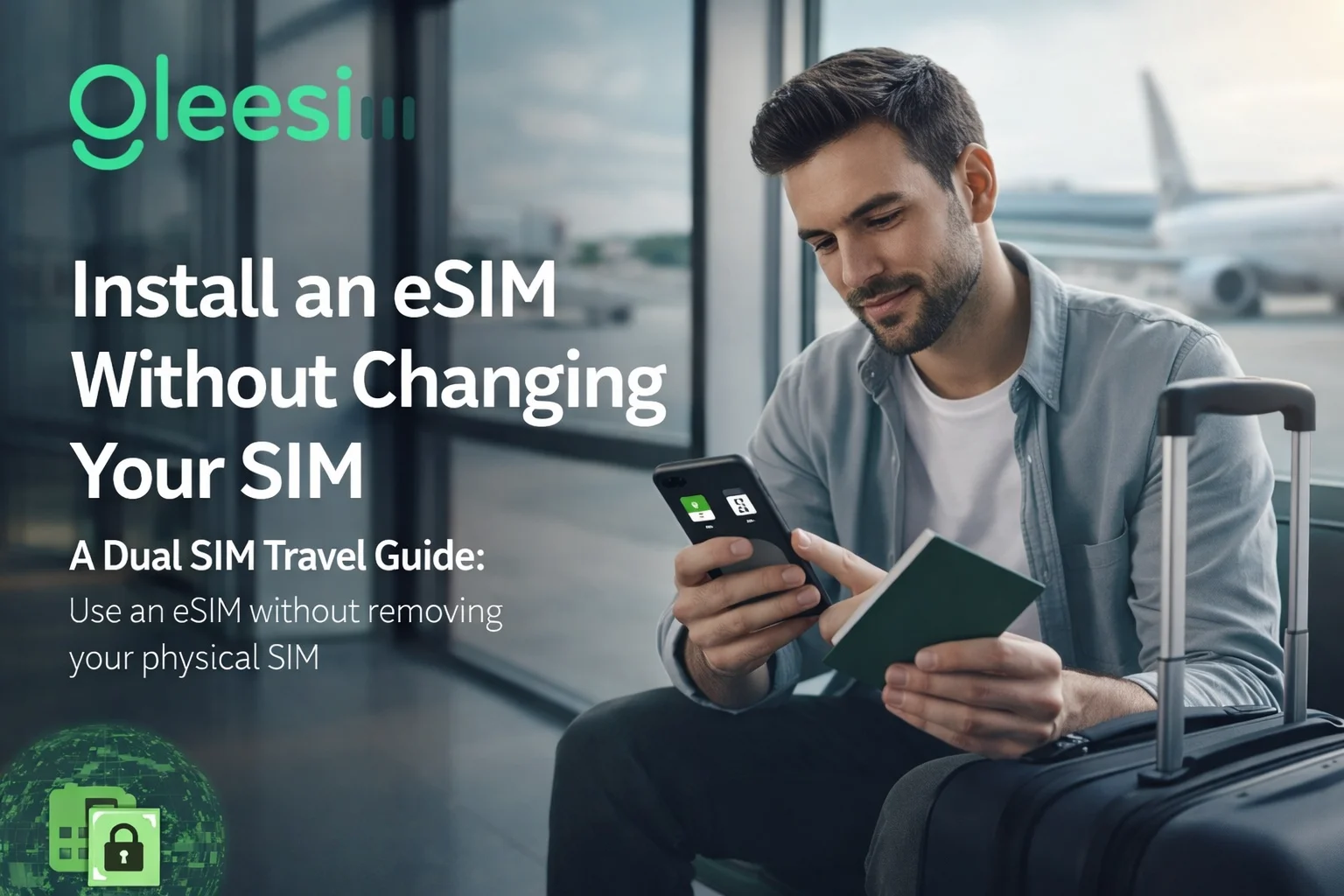
How to Install an eSIM Without Removing Your SIM (Complete Travel Guide Using GleeSIM eSIM)

The Smart Way to Use eSIM While Keeping Your Physical SIM Active

Modern travelers no longer need to remove their SIM card or rely on expensive roaming plans to stay connected abroad. With dual SIM technology and eSIM support, you can install an eSIM while keeping your physical SIM active.

This allows you to receive calls, SMS, banking OTPs, and WhatsApp messages on your main number while using affordable mobile data through an international eSIM.

This guide explains how to install an eSIM without removing your SIM, its benefits, compatible devices, and best practices.

πŸ‘‰ Activate your travel eSIM here:
https://offers.gleesim.com/

What Is an eSIM?

An eSIM (embedded SIM) is a digital SIM that can be installed directly on your smartphone without inserting a physical card.

Instead of swapping SIMs, you simply scan a QR code and download the eSIM profile.

πŸ“± Typical Setup for Travelers

Physical SIM

  • Calls
  • SMS
  • WhatsApp
  • Banking OTPs

eSIM

  • Mobile data abroad
  • Internet access
  • Travel connectivity

This setup ensures global connectivity without losing your main number.
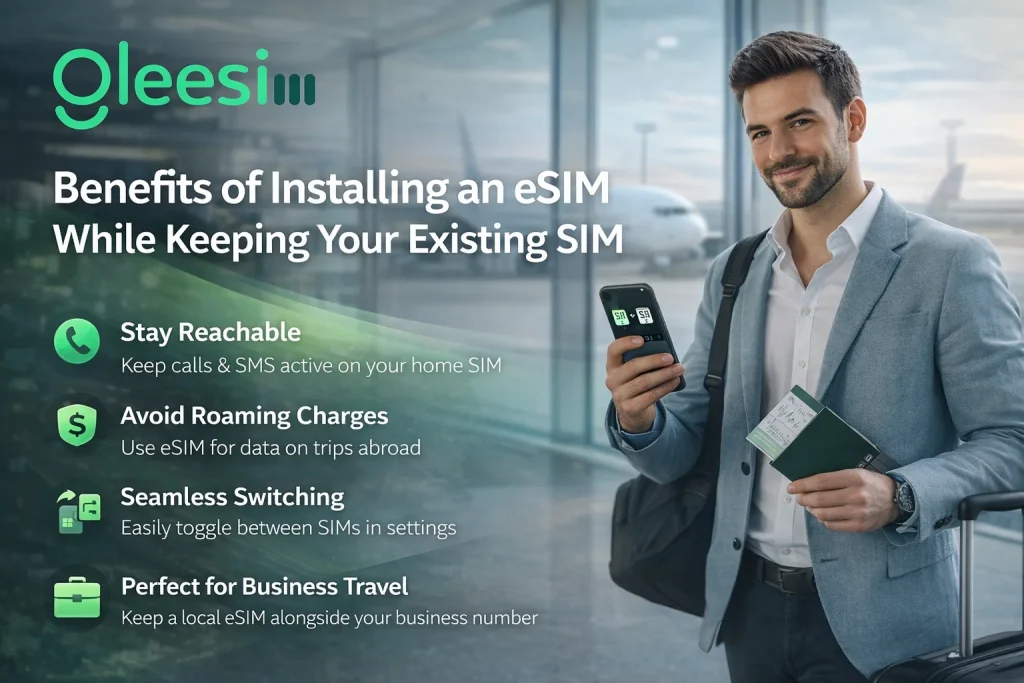
Key Benefits of Using eSIM Without Removing Your SIM

eSIM Without Removing Your SIM

1. Keep Your Number Active

Your physical SIM continues working for:

  • Calls
  • SMS
  • WhatsApp
  • Banking alerts

2. Avoid Roaming Charges

International roaming is expensive.
With GleeSIM, you get affordable global data plans.

πŸ‘‰ Explore plans:
https://offers.gleesim.com/

3. Instant Connectivity

  • No SIM swapping
  • No store visits
  • No delays

Perfect for travelers, airports, and remote workers.

4. Ideal for Business Travelers

Stay connected globally without changing your personal SIM.

Device Compatibility (Dual SIM eSIM Support)

πŸ“± iPhone

  • iPhone XS and newer
  • iPhone 11 / 12 / 13 / 14 / newer

πŸ“± Samsung Galaxy

  • Galaxy S20 and newer
  • S21 / S22 / S23 series

πŸ“± Google Pixel

  • Pixel 4 and newer
  • Pixel 5 / 6 / 7 series

πŸ’‘ Your phone must be carrier unlocked

Step-by-Step: Install eSIM Without Removing SIM

Step 1: Buy Your eSIM

πŸ‘‰ Get started here:
https://offers.gleesim.com/

After purchase, you receive:

  • QR Code
  • Setup instructions
  • Activation details

Step 2: Install on iPhone

  1. Open Settings
  2. Tap Mobile Data
  3. Select Add eSIM
  4. Scan QR code
  5. Set:
    • Mobile Data β†’ eSIM
    • Calls β†’ Physical SIM

Step 3: Install on Android

  1. Open Settings
  2. Go to Network & Internet
  3. Tap SIM Manager
  4. Select Add eSIM
  5. Scan QR code
  6. Enable data on eSIM

How Dual SIM Works

FunctionPhysical SIMeSIM
Callsβœ…βŒ
SMSβœ…βŒ
WhatsAppβœ…βŒ
DataβŒβœ…

Best Practices for eSIM

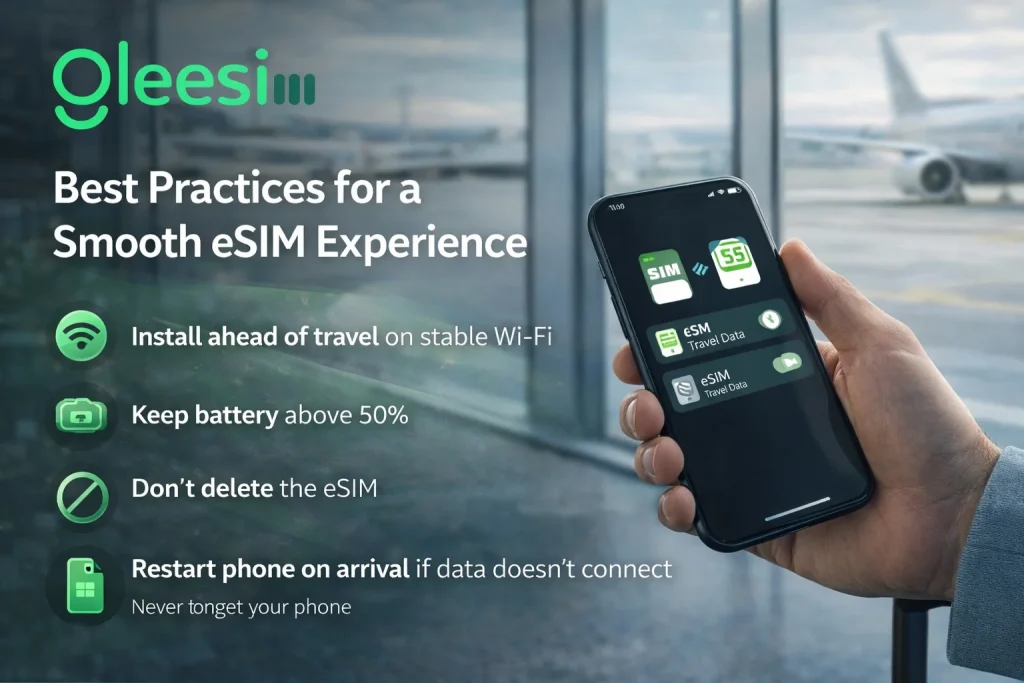
Best Practices for a Smooth eSIM Experience
  • πŸ“Ά Install before travel
  • πŸ”‹ Keep battery above 50%
  • πŸ”„ Restart device if needed
  • 🚫 Don’t delete eSIM profile

Common Mistakes to Avoid

  • ❌ Turning off physical SIM
  • ❌ Using eSIM for calls
  • ❌ Scanning QR multiple times
  • ❌ Installing without internet

FAQs

Can I install eSIM without removing SIM?

Yes, dual SIM allows both to work together.

Will WhatsApp work?

Yes, it stays linked to your main number.

Can I receive OTPs?

Yes, your physical SIM remains active.

Is GleeSIM safe?

Yes, it offers secure and reliable connectivity.

Can I remove eSIM later?

Yes, anytime from settings.

Why Choose GleeSIM?

  • Instant activation
  • No SIM swapping
  • Works with your current SIM
  • Affordable global data
  • Reliable connectivity

πŸ‘‰ Activate now:
https://offers.gleesim.com/

Final Thoughts

Installing an eSIM without removing your SIM is the smartest way to stay connected abroad.

With GleeSIM, you can:

  • Keep your number active
  • Avoid roaming charges
  • Enjoy global internet instantly

Travel smarter with seamless connectivity.

https://gleesim.co.uk/blogs/news

Comments are closed

Follow Us