Every detail of a Hajj trip gets confirmed and double-checked before departure, from your ihram to your group coordinator’s number. Your eSIM should get the same treatment.
Most eSIM providers sell you a plan, send a QR code, and hope it works when you land. If it doesn’t, you find out standing in the world’s largest gathering, unable to reach your group. GleeSIM handles this differently: you can install and test your Saudi Arabia eSIM at home, for a small setup fee, days before you fly, rather than discovering problems for the first time at Jeddah airport.
You already apply this logic everywhere else on a Hajj trip. You test your walking shoes before the long Tawaf circuits. You confirm your hotel booking before you leave. Testing your eSIM ahead of time follows the same instinct, and it verifies five specific things:
Confirming all five before you fly is exactly what this setup makes possible.
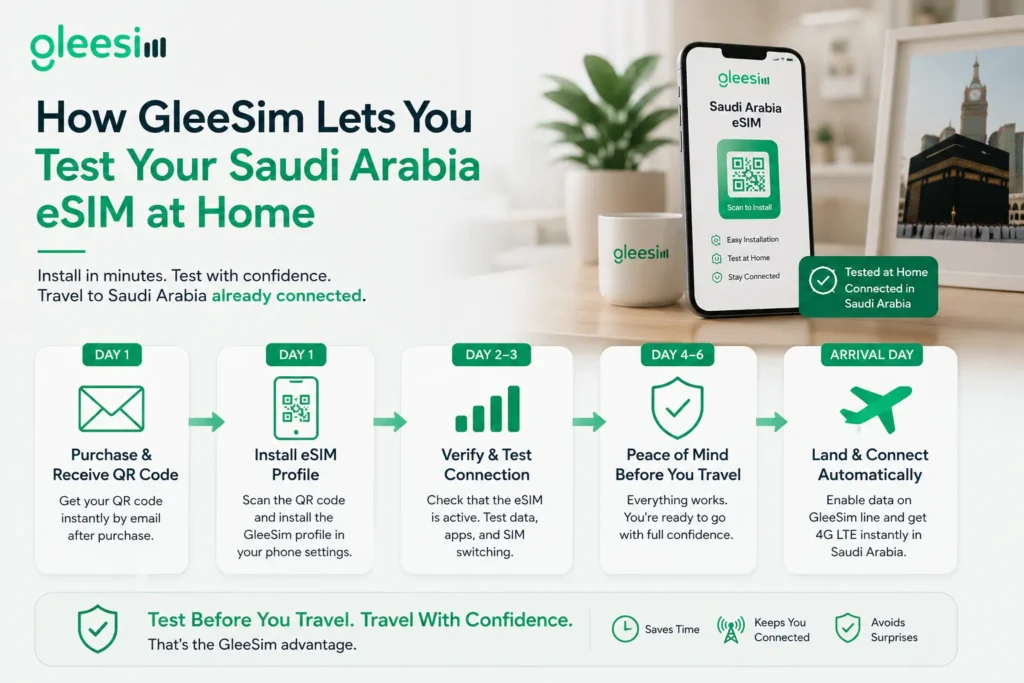
Unlike providers that only activate your plan on arrival, GleeSIM’s eSIM installs immediately after purchase, so your first real test happens at home rather than in a foreign airport.
Try before you buy, in this context, means you pay the small setup fee, install the eSIM profile, and confirm everything works correctly while you still have days to fix anything that doesn’t, rather than discovering an issue the moment you land.
A typical pre-trip window looks like this. On the day you purchase, you receive your QR code by email, scan it, and watch the GleeSIM profile appear in your phone’s SIM settings. Over the next couple of days, you confirm your phone recognises the eSIM as an active line and test switching your data over to it. By the time you fly, nothing has changed, you simply know it works. On arrival, you enable data on the GleeSIM line and you’re online immediately, no queue and no SIM counter.
A few real scenarios show why this matters. A pilgrim buys an eSIM at the airport only to find their phone is carrier locked, and loses two hours at a telecom kiosk instead of reaching their accommodation. Another buys a plan that only activates on arrival, tries to use Maps in the taxi, and has no way to tell if the plan is active or simply broken. A third doesn’t know how to switch their default data line, and spends the first day running up roaming charges on their home carrier while the eSIM sits unused. A fourth runs out of data on day eight of a fifteen day trip and doesn’t know how to top up, separated from their group with no navigation.Testing at home before you leave prevents every one of these.
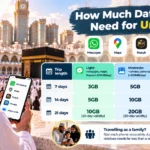
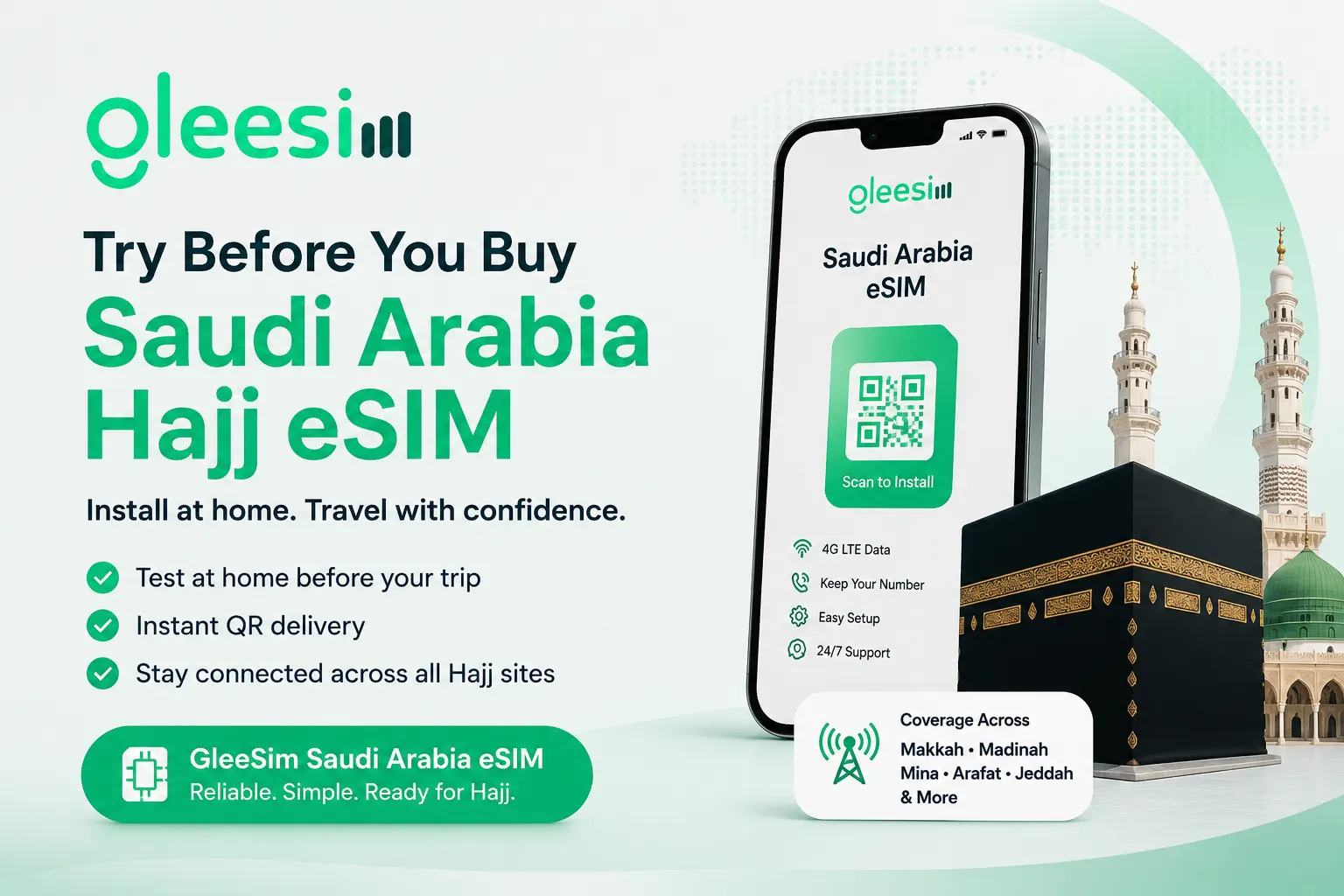
Coverage extends across every site a pilgrim actually visits: Makkah al-Mukarramah including Masjid al-Haram, Madinah al-Munawwarah including Masjid an-Nabawi, Jeddah’s King Abdulaziz International Airport and the city, and Mina, Muzdalifah and the plains of Arafat. Plans run on 4G LTE with flat-rate pricing, no daily roaming charges, and dual SIM support so your home number stays active for calls while GleeSIM handles data. Plans are available in 7, 15 and 30 day lengths to match your Hajj package.
A rough guide to what drains a data plan fastest: messaging through WhatsApp uses comparatively little, navigation through Google Maps uses a moderate amount, and video calls use the most by a wide margin. Planning around how you actually intend to use your phone, rather than guessing, is the more reliable way to size your plan.
Once your eSIM is active, these are the apps most pilgrims rely on: Google Maps for navigating crowded areas, WhatsApp for staying in touch with your group, the official Nusuk app for pilgrimage permits and services, and a ride-hailing app like Uber or Careem for transport between sites.
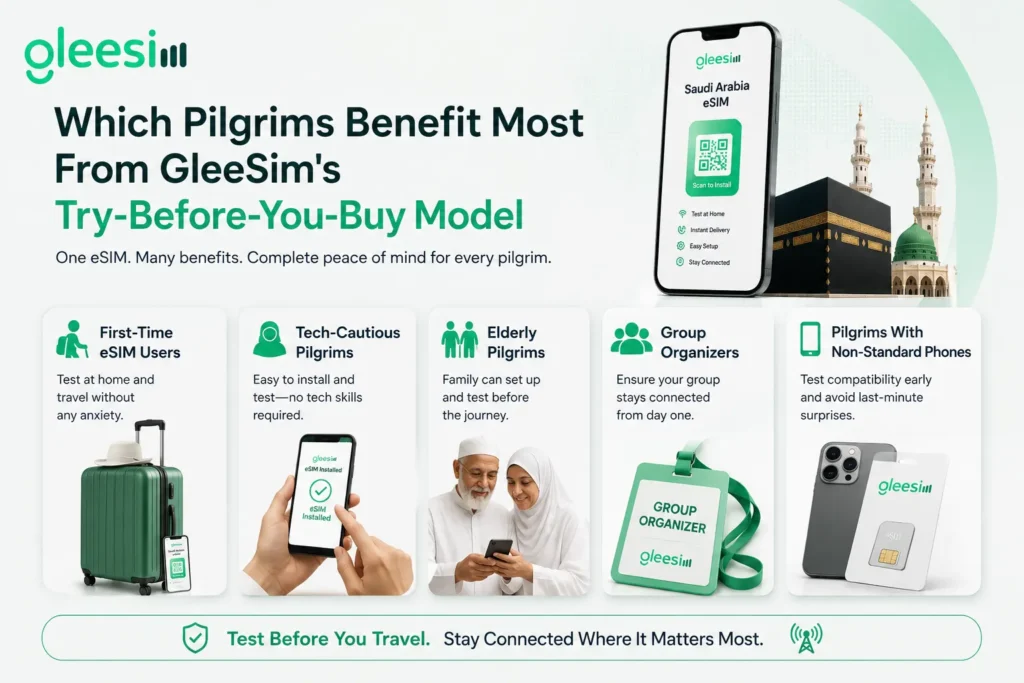
Installing only after arrival, rather than testing at home first. Losing the email with your QR code before installation is complete. Forgetting to enable data roaming for the eSIM profile specifically. Trying to use an unsupported or carrier-locked device without checking first.
Doing this five to seven days before departure gives you a full week to resolve anything unexpected, while you’re still at home.
Is this eSIM actually usable before I arrive in Saudi Arabia?
The profile installs immediately after purchase, so you can confirm compatibility and setup at home. The data plan itself activates once you connect to a Saudi Arabian network on arrival.
Is there really a setup fee, or is this a free trial?
There is a small setup fee at purchase. What you’re paying for is the ability to test your eSIM at home well before your flight, not a free data allowance.
What if the QR code doesn’t work on my phone?
Contact support before your trip. This is exactly why testing at home matters: issues caught early are solvable, and issues discovered at Jeddah airport are stressful.
Does GleeSIM work on all phones?
It works on any unlocked, eSIM-compatible device, including iPhone XS and later, Samsung Galaxy S20 and later, and Google Pixel 3 and later. If your phone is carrier-locked, contact your home carrier to unlock it first.
What if I need more data mid-trip?
Top ups are available through the same profile, without needing a new QR code or reinstalling anything.
Testing your connectivity before you fly is not complicated. It just requires choosing a provider that makes it possible. Install before you fly, test before you leave, and arrive in Saudi Arabia already knowing your connectivity works, because you confirmed it yourself.
See GleeSIM’s Saudi Arabia eSIM page for current bundle pricing, or explore GleeSIM’s Iraq eSIM if Ziyarah is part of your route. When you are ready, get your bundle on offers.gleesim.com and test it well before you board.