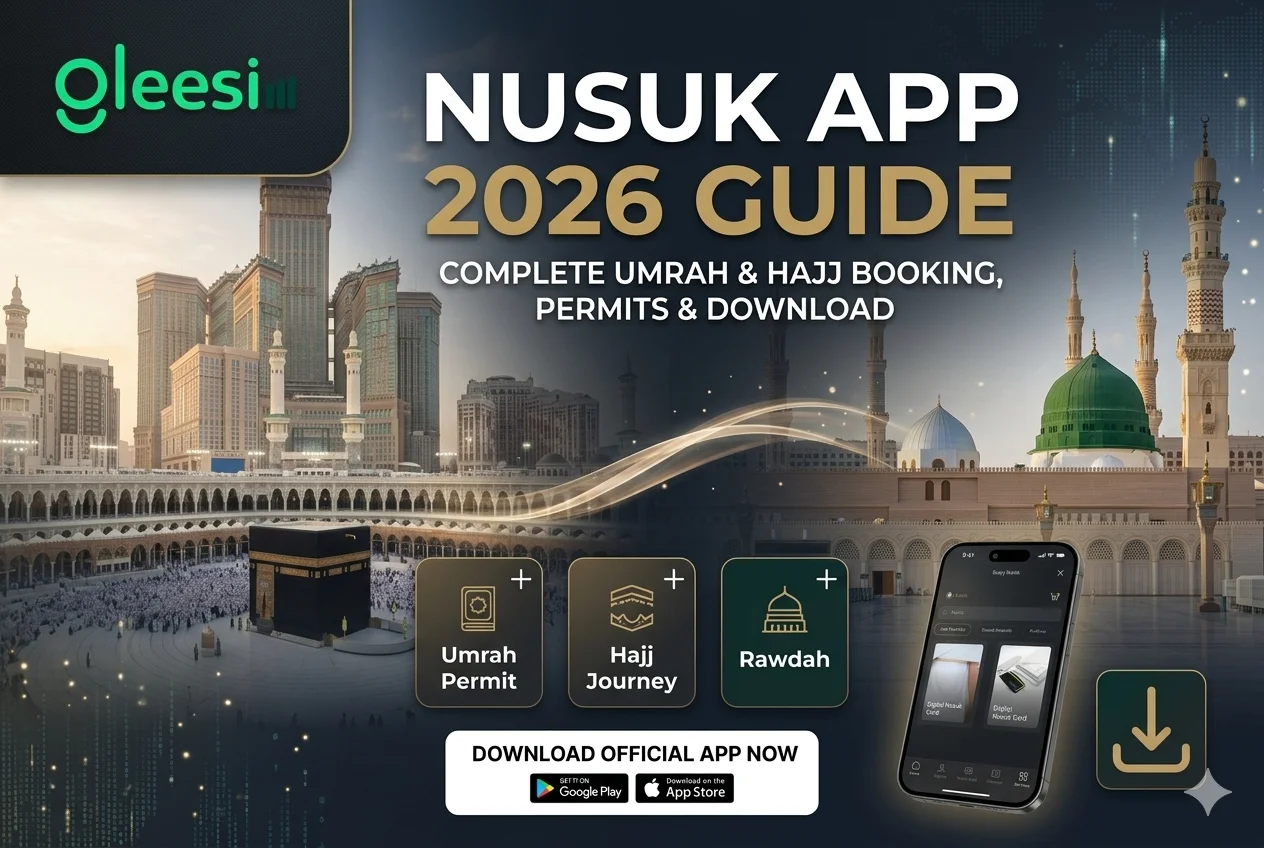
The Nusuk App is the official digital platform launched by the Kingdom of Saudi Arabia to manage Umrah and Hajj travel. It brings permits, bookings, schedules, and pilgrimage services into one government approved system.
Hajj has changed. It’s no longer just a physical and spiritual journey. Millions of pilgrims now depend on a smartphone app for the permits, schedules, and updates that used to run on paper. That shift makes life easier when your connection works, and genuinely stressful when it doesn’t.
This guide covers everything about the Nusuk App: how to download it, how to use it for Umrah and Hajj, its main features, and how to make sure your phone stays online when you need it most.
The Nusuk App is a government approved mobile application built to support pilgrims performing Umrah and Hajj in Saudi Arabia. It works as a digital travel assistant that lets you:
In plain terms, Nusuk is your official digital gateway for pilgrimage in Saudi Arabia.
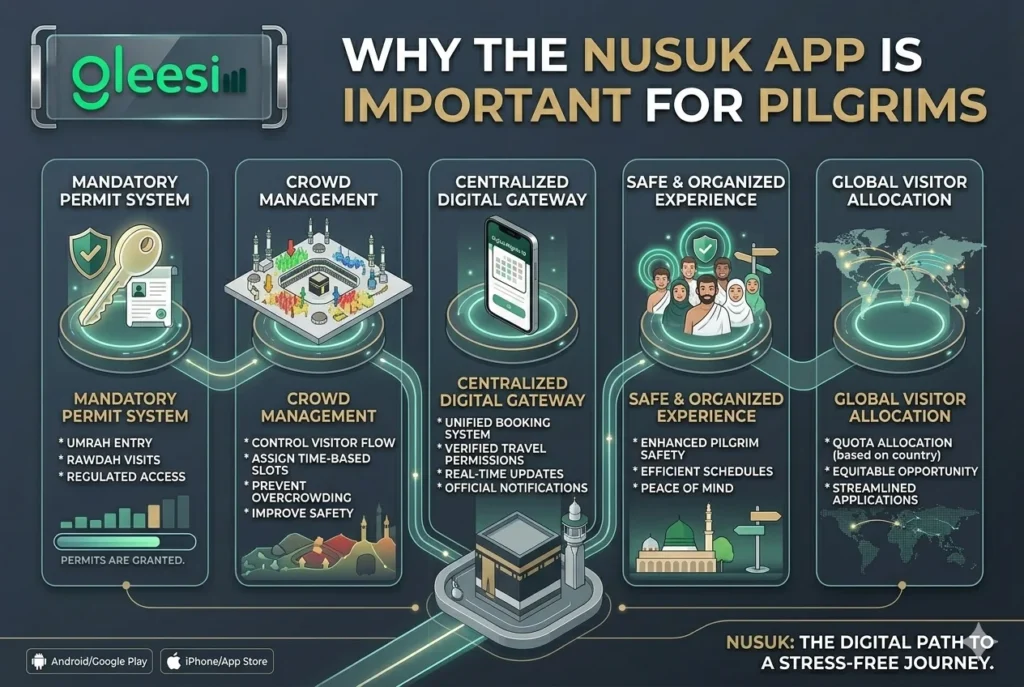
Mandatory permit system: Pilgrims need Nusuk to get official approval for Umrah entry into Makkah, Rawdah visit bookings in Madinah, and other regulated services. Without a valid permit, some holy sites may not be accessible.
Crowd management and safety: With millions of pilgrims arriving each season, Nusuk helps control visitor flow, assigns time based entry slots, and reduces overcrowding at sacred sites.
One centralized system: Instead of juggling several platforms, Nusuk gives you one official booking system, real time updates, and verified travel permissions in a single place.
Here’s the part first time pilgrims often miss: the Nusuk App is only as useful as the connection it runs on. Your permit is a QR code. That code needs to load in seconds at a crowded checkpoint, not spin while a queue builds behind you.Without a stable connection, you risk:
Public Wi-Fi in Makkah and Madinah gets overloaded during peak Hajj days, and buying a local SIM at the airport means queues, passport checks, and activation delays after a long flight. This is exactly the gap a Saudi Arabia travel eSIM is built to close: you activate it before you leave home, and it’s already working the moment you land in Jeddah.
GleeSim connects through Saudi Arabia’s local mobile networks, so Nusuk’s permits, alerts, and maps load the way they’re meant to, even in the busiest parts of the pilgrimage.
Always download Nusuk from an official source.
Android (Google Play Store): https://play.google.com/store/apps/details?id=com.moh.nusukapp
iPhone (Apple App Store): search “Nusuk” directly in the App Store, or check the official Nusuk website at https://www.nusuk.sa for the current link.
Set the app up before you travel. Register in advance, learn the booking flow, and you’ll avoid last minute stress at the airport.
Step 1: Create your account. Install the app, register with your passport details, and verify your mobile number and email.
Step 2: Apply for an Umrah permit. Open the Umrah Permit section, pick an available date and time slot, and submit your application.
Step 3: Receive your digital permit. Once approved, it appears in the app. You’ll need to show it at entry checkpoints in Makkah.
Step 4: Perform Umrah. Travel at your scheduled time, carry your passport and mobile permit, and follow the official instructions on site.
Nusuk also manages Hajj, subject to eligibility and government quotas. Key Hajj features include:
Hajj access is strictly regulated and depends on official country quotas and announcements, so check the app regularly in the months before travel.
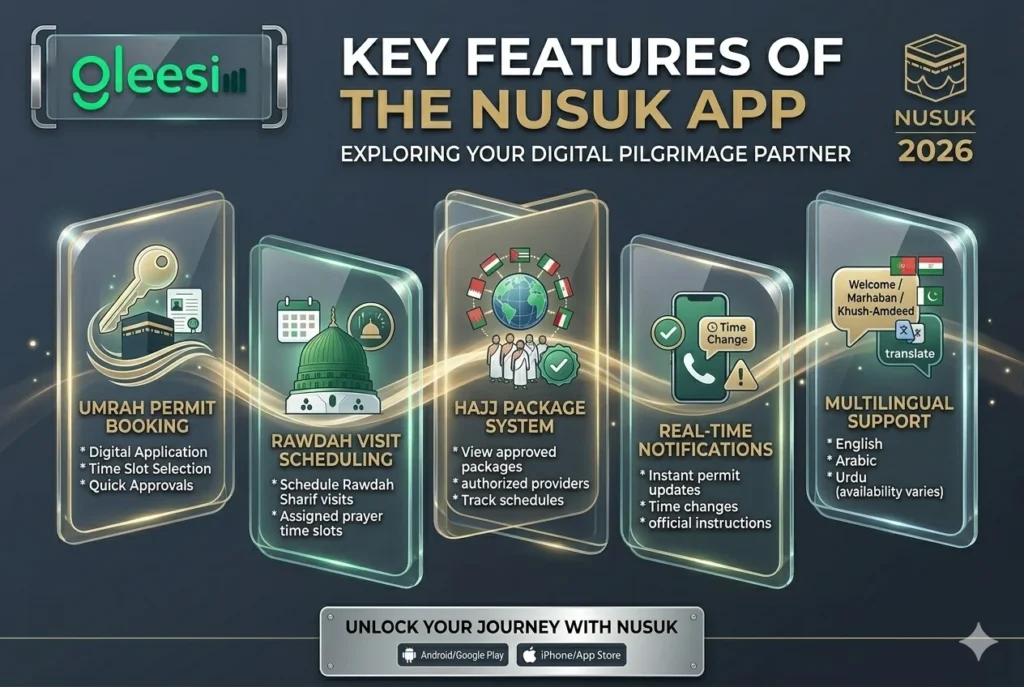
Umrah permit booking. Book entry without paperwork.
Rawdah visit scheduling. Reserve a slot at Rawdah Sharif inside Masjid al-Nabawi.
Hajj package system. View approved packages, select authorized providers, and track your schedule.
Real time notifications. Get instant updates on permit approvals, time changes, and travel instructions.
Multilingual support. The app supports English and Arabic, with partial support for other languages depending on the current update
Login problems: Reset your password or reinstall the app.
No permit slots available: Try different time slots, or check again during off peak hours.
App not working properly: Update the app, or clear its cache in your phone settings.
Permit or QR code won’t load: This is almost always a connectivity issue rather than an app fault. Switch to a connection built for high demand areas like Makkah and Madinah rather than relying on shared public Wi-Fi.
Sort out your Nusuk App setup and your connectivity before you leave home, so neither one is a problem once you’re in Saudi Arabia.
See the Saudi Arabia eSIM plans here and pick the one that matches your Hajj or Umrah trip length.
Get your GleeSim eSIM for Saudi Arabia →
It manages Umrah and Hajj travel digitally: booking permits, scheduling visits to holy sites, and accessing official pilgrimage services in Makkah and Madinah. It’s the platform approved by the Saudi government.
In most cases, yes. Without a valid permit through Nusuk, you may not be allowed into regulated areas of Makkah during busy periods.
Yes, but Hajj access depends on eligibility, country quota, and official Saudi announcements. Not every user has access every year.
Yes. Booking permits, receiving alerts, and loading your QR code all require an active connection.
Your permit QR code may not load, you could miss important notifications, and entry to some areas could be delayed. This is the main reason to sort out reliable connectivity before you travel rather than after you land.
You can, but expect queues, passport verification, and activation delays right after a long flight. A travel eSIM activated before departure skips all three.
The app mainly supports English and Arabic, with partial support for other languages depending on the current update.
Yes. Permits, scheduling, updates, and guidance are all centralized in the app, which is what makes a stable connection so important throughout your trip.
The Nusuk App is now essential for anyone performing Umrah or Hajj. It simplifies permits, improves crowd management, and keeps pilgrims informed. But the app is only half the picture. Pair it with a connection that works the moment you land, and the digital side of your pilgrimage stops being something to worry about.