The Smart Way to Use eSIM While Keeping Your Physical SIM Active
Modern travelers no longer need to remove their SIM card or rely on expensive roaming plans to stay connected abroad. With dual SIM technology and eSIM support , you can install an eSIM while keeping your physical SIM active.
This allows you to receive calls, SMS, banking OTPs, and WhatsApp messages on your main number while using affordable mobile data through an international eSIM.
This guide explains how to install an eSIM without removing your SIM, its benefits, compatible devices, and best practices.
👉 Activate your travel eSIM here: https://offers.gleesim.com/
What Is an eSIM?
An eSIM (embedded SIM) is a digital SIM that can be installed directly on your smartphone without inserting a physical card.
Instead of swapping SIMs, you simply scan a QR code and download the eSIM profile.
📱 Typical Setup for Travelers
Physical SIM
Calls
SMS
WhatsApp
Banking OTPs
eSIM
Mobile data abroad
Internet access
Travel connectivity
This setup ensures global connectivity without losing your main number.
Key Benefits of Using eSIM Without Removing Your SIM
How to Install an eSIM Without Removing Your SIM (Complete Travel Guide Using GleeSIM eSIM) 3
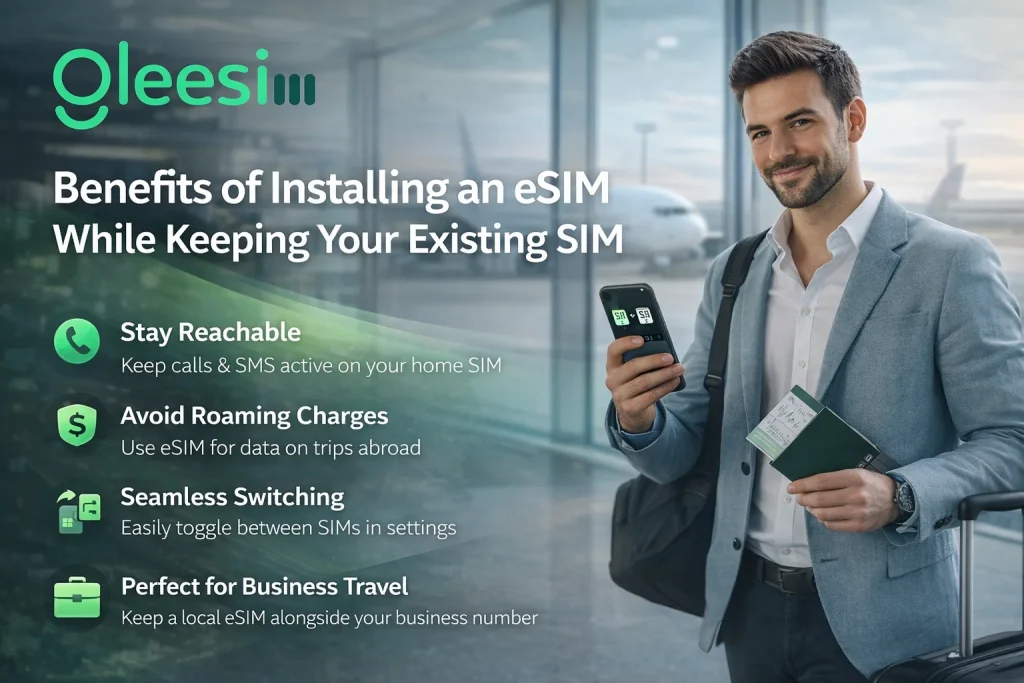
1. Keep Your Number Active
Your physical SIM continues working for:
Calls
SMS
WhatsApp
Banking alerts
2. Avoid Roaming Charges
International roaming is expensive. With GleeSIM, you get affordable global data plans .
👉 Explore plans:https://offers.gleesim.com/
3. Instant Connectivity
No SIM swapping
No store visits
No delays
Perfect for travelers, airports, and remote workers.
4. Ideal for Business Travelers
Stay connected globally without changing your personal SIM.
Device Compatibility (Dual SIM eSIM Support)
📱 iPhone
iPhone XS and newer
iPhone 11 / 12 / 13 / 14 / newer
📱 Samsung Galaxy
Galaxy S20 and newer
S21 / S22 / S23 series
📱 Google Pixel
Pixel 4 and newer
Pixel 5 / 6 / 7 series
💡 Your phone must be carrier unlocked
Step-by-Step: Install eSIM Without Removing SIM
Step 1: Buy Your eSIM
👉 Get started here:https://offers.gleesim.com/
After purchase, you receive:
QR Code
Setup instructions
Activation details
Step 2: Install on iPhone
Open Settings
Tap Mobile Data
Select Add eSIM
Scan QR code
Set:
Mobile Data → eSIM
Calls → Physical SIM
Step 3: Install on Android
Open Settings
Go to Network & Internet
Tap SIM Manager
Select Add eSIM
Scan QR code
Enable data on eSIM
How Dual SIM Works
Function Physical SIM eSIM Calls ✅ ❌ SMS ✅ ❌ WhatsApp ✅ ❌ Data ❌ ✅
Best Practices for eSIM
How to Install an eSIM Without Removing Your SIM (Complete Travel Guide Using GleeSIM eSIM) 4
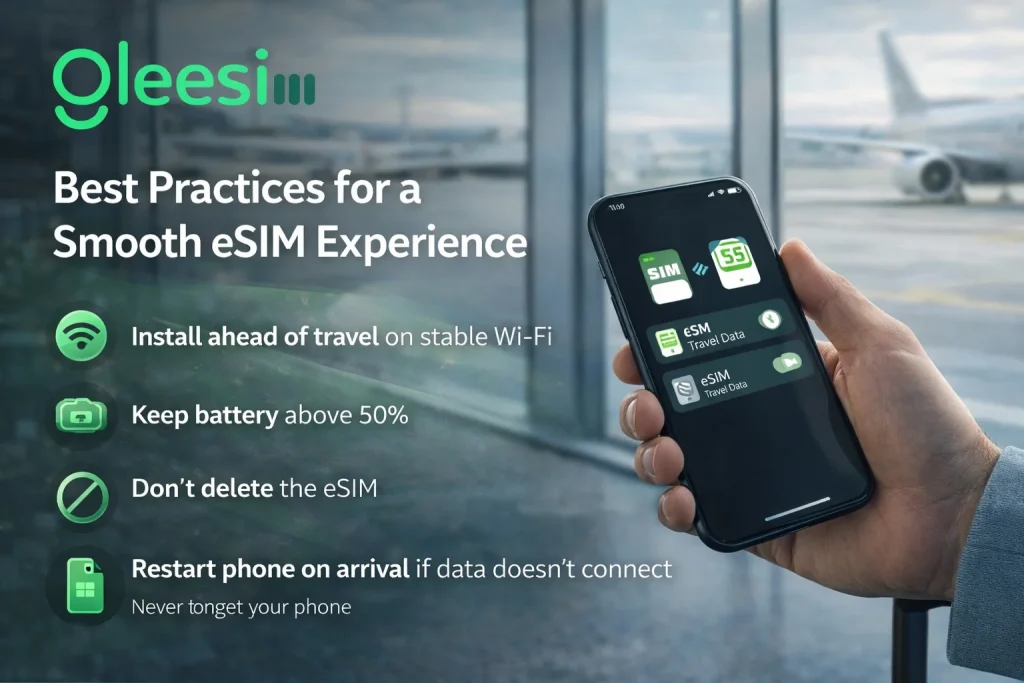
📶 Install before travel
🔋 Keep battery above 50%
🔄 Restart device if needed
🚫 Don’t delete eSIM profile
Common Mistakes to Avoid
❌ Turning off physical SIM
❌ Using eSIM for calls
❌ Scanning QR multiple times
❌ Installing without internet
FAQs
Can I install eSIM without removing SIM?
Yes, dual SIM allows both to work together.
Will WhatsApp work?
Yes, it stays linked to your main number.
Can I receive OTPs?
Yes, your physical SIM remains active.
Is GleeSIM safe?
Yes, it offers secure and reliable connectivity.
Can I remove eSIM later?
Yes, anytime from settings.
Why Choose GleeSIM?
Instant activation
No SIM swapping
Works with your current SIM
Affordable global data
Reliable connectivity
👉 Activate now: https://offers.gleesim.com/
Final Thoughts
Installing an eSIM without removing your SIM is the smartest way to stay connected abroad.
With GleeSIM , you can:
Keep your number active
Avoid roaming charges
Enjoy global internet instantly
Travel smarter with seamless connectivity.

https://gleesim.co.uk/blogs/news