Are you already in Karbala or Najaf and watching your Iraq data balance fall faster than expected, with no idea how to add more without leaving the shrine district to find a mobile shop?
This article will help you to understand exactly how GleeSim’s WhatsApp-based top-up process works, what to do when your data runs low mid-pilgrimage, and how to check your remaining balance without any apps. After developing a complete understanding, you can keep your Iraq data flowing throughout your entire Ziyarah without a single visit to a carrier shop.
If you are using an Asiacell, Zain, or Korek SIM purchased at the border or in Najaf, topping up requires one of the following: finding a carrier shop in person, buying a physical scratch card from a street vendor, or using an Arabic-language USSD menu code on your phone. For pilgrims who do not speak Arabic, option three becomes a stressful guessing game. For pilgrims deep inside the Karbala shrine district during Arbaeen, option one and two mean leaving the area entirely.
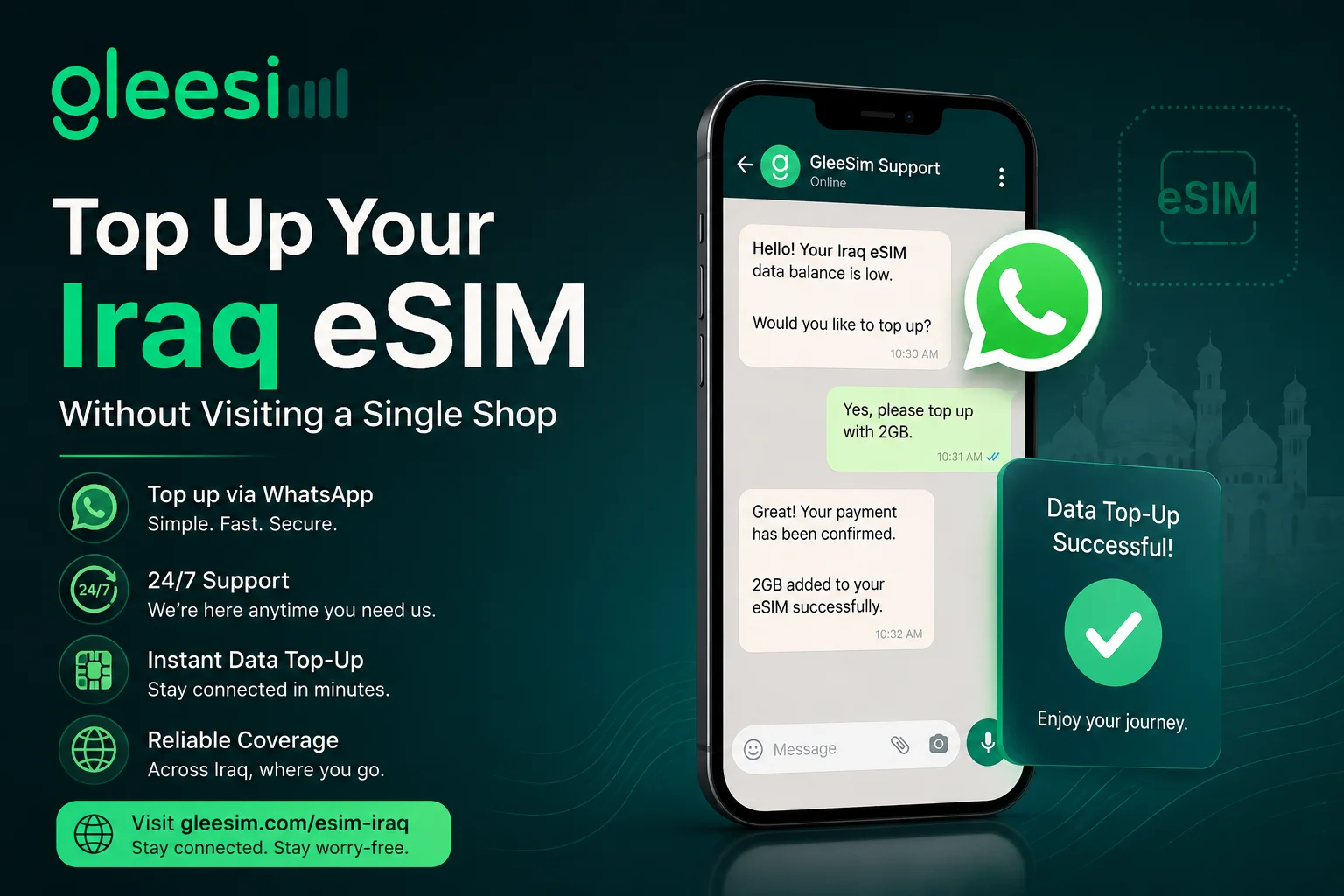
GleeSim removes this problem completely. Top-up is a single WhatsApp message.
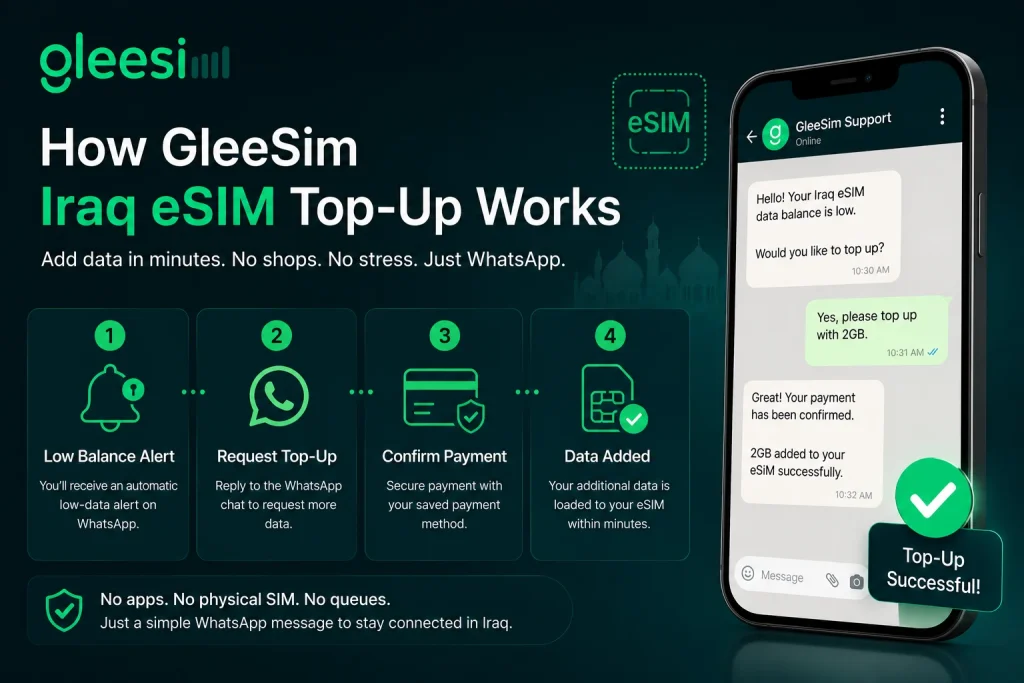
GleeSim top-up process: When your Iraq data balance falls below a threshold, GleeSim sends you an automatic low-data alert to your WhatsApp. You reply to the same WhatsApp chat to request a top-up. Payment is processed via the same method used for your original purchase. Your additional data is loaded to your eSIM profile within minutes, without any app download, shop visit, or physical card.
The process has four steps:
Step 1: Receive the low-balance alert in your GleeSim WhatsApp chat. The alert arrives automatically when your data drops below a set threshold.
Step 2: Reply to the WhatsApp chat requesting more data. GleeSim’s support team processes top-up requests around the clock.
Step 3: Confirm your payment method. If your original payment card is saved, confirmation takes seconds.
Step 4: Your additional Iraq data loads to your eSIM within minutes. No restart required. Your connection continues without interruption.
Many pilgrims worry about not knowing how much data they have left. GleeSim provides balance information directly through WhatsApp on request. Simply message GleeSim asking for your current Iraq data balance and the support team responds with your remaining allocation.
For Iraqi carrier SIMs purchased locally, balance checking uses USSD codes:
| Carrier | Balance check code |
| Asiacell | Dial *134# |
| Zain Iraq | Dial *121# |
| Korek Telecom | Dial *165# |
These codes work but they return messages in Arabic. GleeSim’s WhatsApp balance check returns information in English, which matters for UK, Pakistani, and Canadian pilgrims who need clarity quickly while moving between shrines.
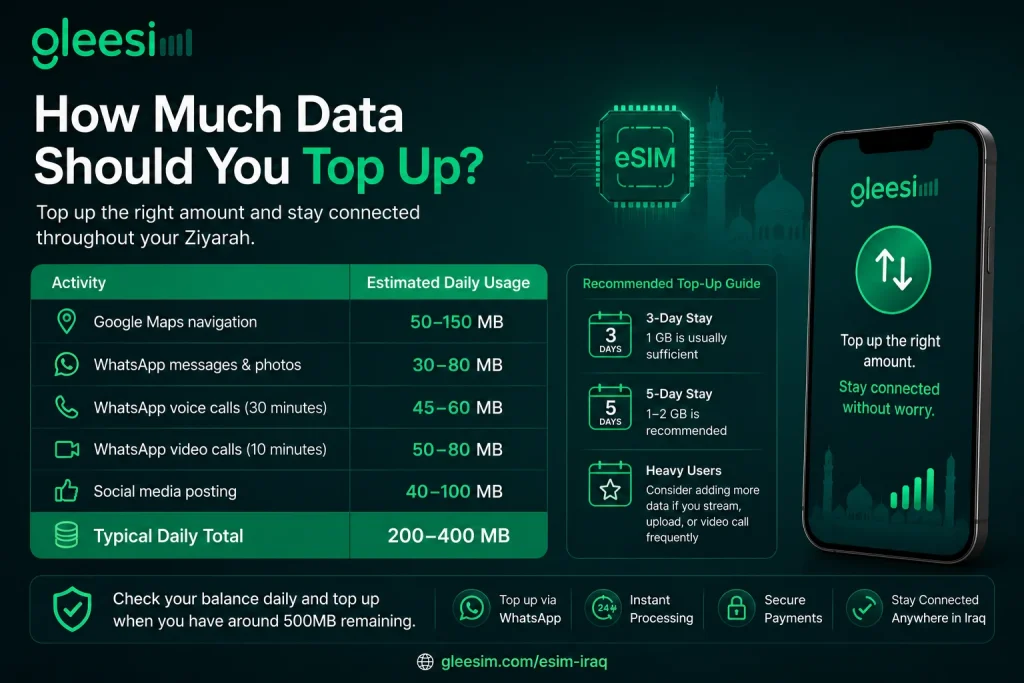
The answer depends on what you have left and how many days remain. A rough daily data consumption guide for active pilgrims:
| Usage type | Approximate daily consumption |
| Navigation (Google Maps active) | 50MB to 150MB |
| WhatsApp messages and photos | 30MB to 80MB |
| WhatsApp voice calls (30 min) | 45MB to 60MB |
| WhatsApp video (10 min) | 50MB to 80MB |
| Social media posting (5 posts) | 40MB to 100MB |
| Total moderate daily usage | 200MB to 400MB |
A pilgrim with 5 days remaining who uses data moderately needs approximately 1GB to 2GB to complete their Ziyarah without running dry.
The best time to arrange a top-up is before your balance reaches zero. Zero data in the middle of Karbala means you cannot send a WhatsApp message to request more. Check your balance daily through GleeSim’s WhatsApp chat and top up when you reach 500MB remaining.
Visit gleesim.com/esim-iraq to view all Iraq data plans, or message GleeSim directly on WhatsApp to add data to your existing eSIM. Full Iraq plan options are also available at offers.gleesim.com/iraq. Browse gleesim.com to see coverage and support details.