Search for “can I reuse my eSIM” and the answer from most major providers is a version of the same thing: no, not really. Local eSIMs are typically built for one country and one trip — once the data’s gone or the validity window closes, the standard advice is to delete the profile and install a fresh one next time you travel.
That’s true of most of the industry. It isn’t true of GleeSim.
This is the industry default, and it’s not unreasonable — most travel eSIMs are tied to a single destination’s data allowance, and once that’s used up, there’s genuinely nothing left to reactivate.
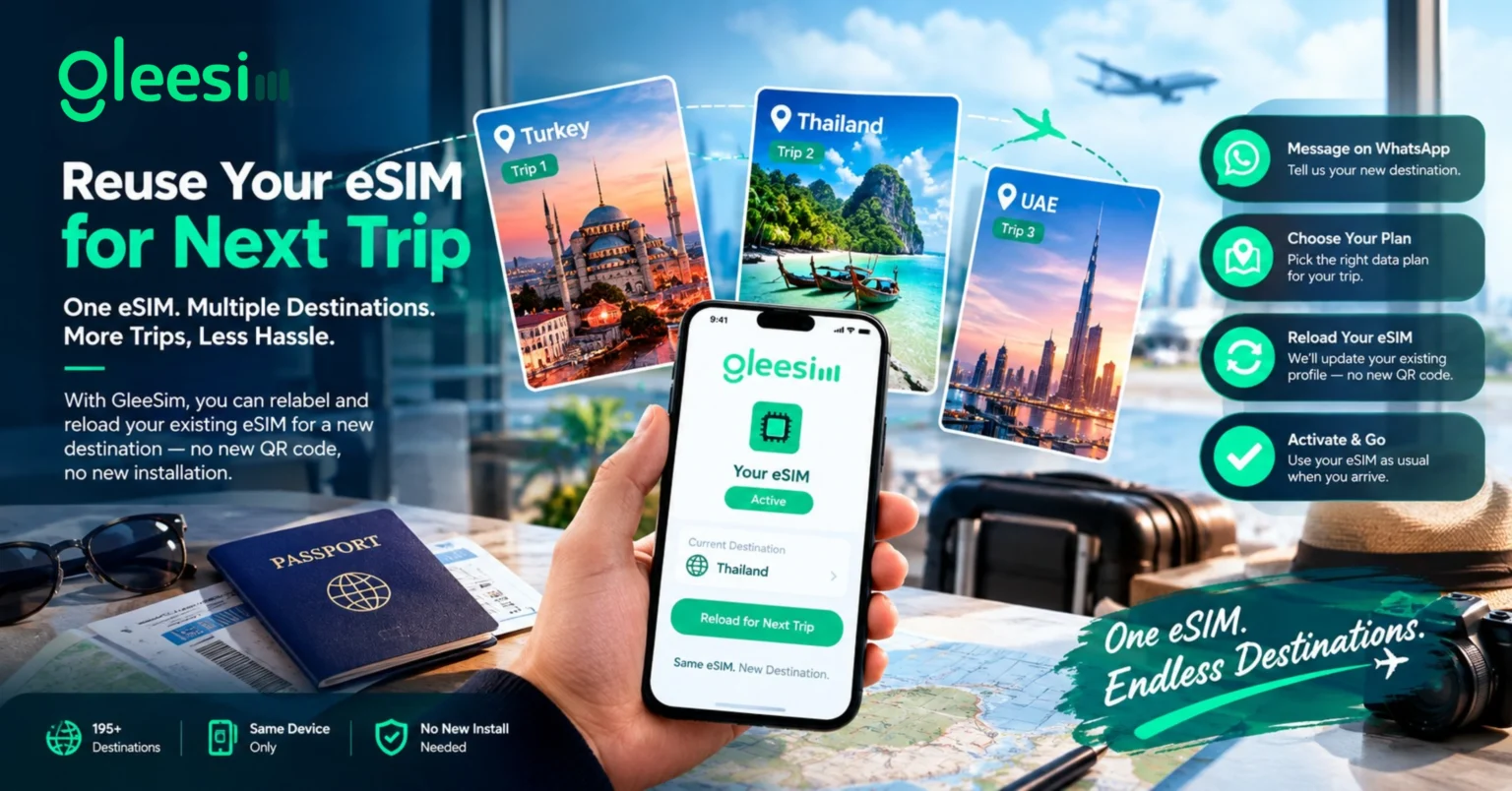
GleeSim works differently by design. Once your GleeSim eSIM is installed, you can relabel it and reload it with a new destination’s data plan the next time you travel — instead of adding yet another eSIM profile to your phone’s settings menu. One installed profile can follow you from one trip to the next.
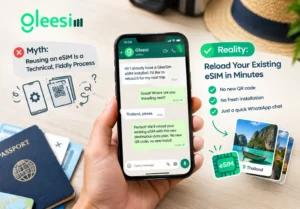
It isn’t, at least not with GleeSim. Because the entire purchase and management process happens over WhatsApp rather than inside an app you have to relearn each time, reusing an existing eSIM for a new country is the same conversation you’d have for a first-time order — you’re just telling GleeSim where you’re headed next instead of starting from scratch.
With some providers, reuse is only possible if you specifically bought a multi-country regional or global plan up front. GleeSim’s relabeling works even if your first trip was a single country — say, a GleeSim eSIM originally set up for a Turkey trip can be reloaded for Thailand or the UAE on your next one, without needing to have planned for that at the time of the original purchase.
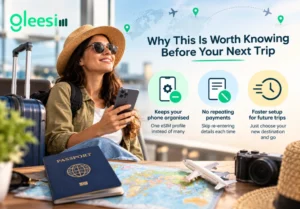
It’s a genuinely uncommon feature in the travel eSIM space — most providers, including well-known names like Airalo and Nomad, explicitly note that their eSIMs are one-time use once the initial data or validity period runs out. GleeSim built its relabeling option specifically because most travellers don’t want to think about this at all; they just want the same eSIM to keep working, trip after trip.
Yes — an eSIM profile is tied to the specific device it was installed on, so reusing it means using the same phone, not transferring the profile to a new one.
No — you’re simply paying for the new destination’s data plan, the same as you would for a first-time purchase. GleeSim’s FAQ page has the full breakdown.
Once deleted, a profile can’t be recovered, so it’s worth leaving an unused GleeSim eSIM installed and simply switched off between trips rather than removing it. GleeSim’s activation guide covers how to toggle a plan off without deleting it.
Yes — GleeSim covers 195+ destinations. Browse the full list starting from the What Is an eSIM page or message WhatsApp directly to ask about a specific country.
Already have a GleeSim eSIM from a past trip? Message GleeSim on WhatsApp to reload it for your next destination instead of starting over. Use code GLEE10 on new orders for 10% off.