Have you ever landed somewhere unfamiliar only to realise your maps app needs a connection you don’t have yet? Sarajevo and Mostar reward travellers who wander, but wandering works better when you can actually pull up directions, translate a menu, or book a taxi without hunting for Wi-Fi first.
This article will help you understand how to set up connectivity for both cities before you arrive. After developing a complete understanding, you can make a better decision on how to spend your first hours in Bosnia rather than your first hours troubleshooting a SIM card.
Sarajevo moves at the pace of a capital, with trams, a compact old town, and hills that ring the whole city. Mostar is smaller and slower, built around the Old Bridge and the Neretva River, and most visitors treat it as a day trip or overnight stop from Sarajevo or the coast.
Both cities sit on Bosnia’s main mobile networks with solid coverage, which means the practical question isn’t whether you’ll have signal, it’s whether you’ve sorted it out before you need it.
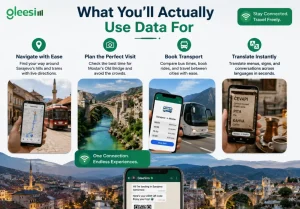
Getting around Sarajevo’s hills and trams. The old town, Baščaršija, is walkable, but reaching the surrounding hills or catching the right tram line benefits from live directions.
Timing the Old Bridge in Mostar. The bridge gets crowded fast once tour buses arrive. Checking the time and planning around it means the difference between a photo with fifty strangers in it and a clear shot.
Booking transport between the two cities. The Sarajevo to Mostar route is a common day trip, and ride apps or bus schedules are easiest to manage with a live connection.
Translating menus and signs. Bosnian, Croatian and Serbian all appear across signage depending on the region, and a translation app smooths over the parts a phrasebook can’t.
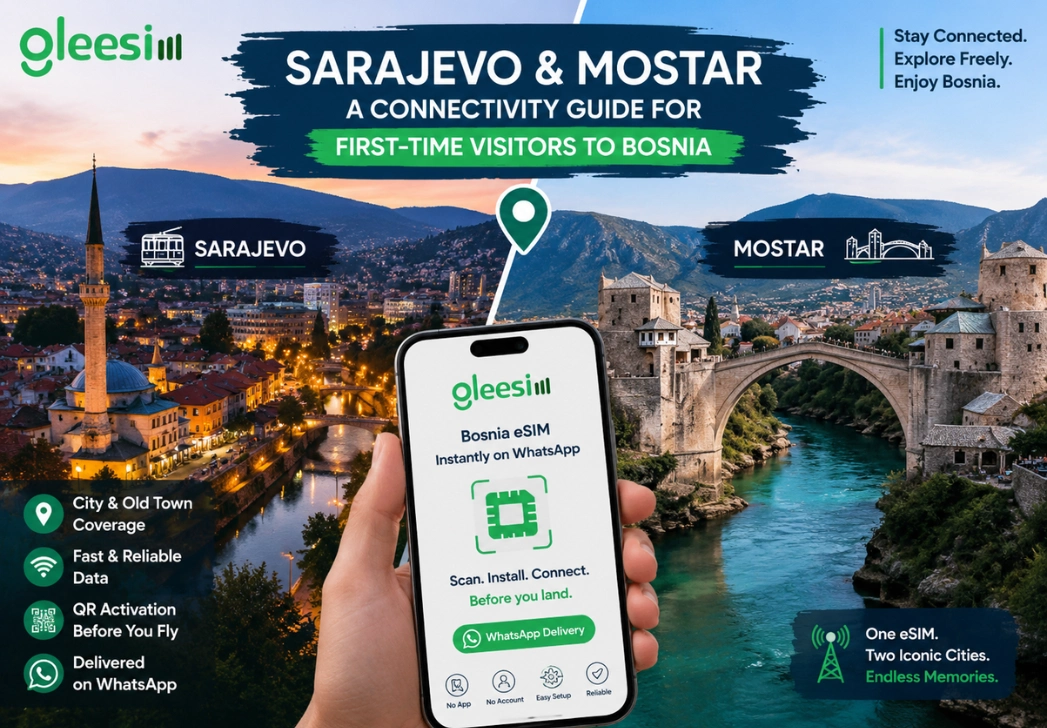
QR activation, in plain terms, means your eSIM installs by scanning a code rather than inserting a physical card. The whole process runs through your phone’s own settings, with no app required.
Message GleeSim on WhatsApp, receive your QR code in the same chat, and install it on your home Wi-Fi before you fly. When you land at Sarajevo International Airport, your data is already active.
Do Sarajevo and Mostar share the same network coverage? Yes, one Bosnia and Herzegovina eSIM covers both cities along with the wider country.
Is Wi-Fi in Sarajevo cafes reliable enough to skip an eSIM? It’s common but inconsistent, and it doesn’t help while you’re walking between sights or travelling to Mostar. A working data connection removes that gap entirely.
How far is Mostar from Sarajevo, and do I need connectivity for the journey? It’s roughly a two to three hour trip by road, and having data for the route makes checking bus times or booking a driver considerably easier.
Can I use the same eSIM if I continue on to Croatia or Montenegro afterwards? This specific eSIM covers Bosnia and Herzegovina. If your route continues elsewhere, a separate regional plan is worth checking before you cross the border.
See GleeSim’s Bosnia and Herzegovina eSIM page for current bundle pricing. When you are ready, get your bundle on offers.gleesim.com and have it installed before you board.