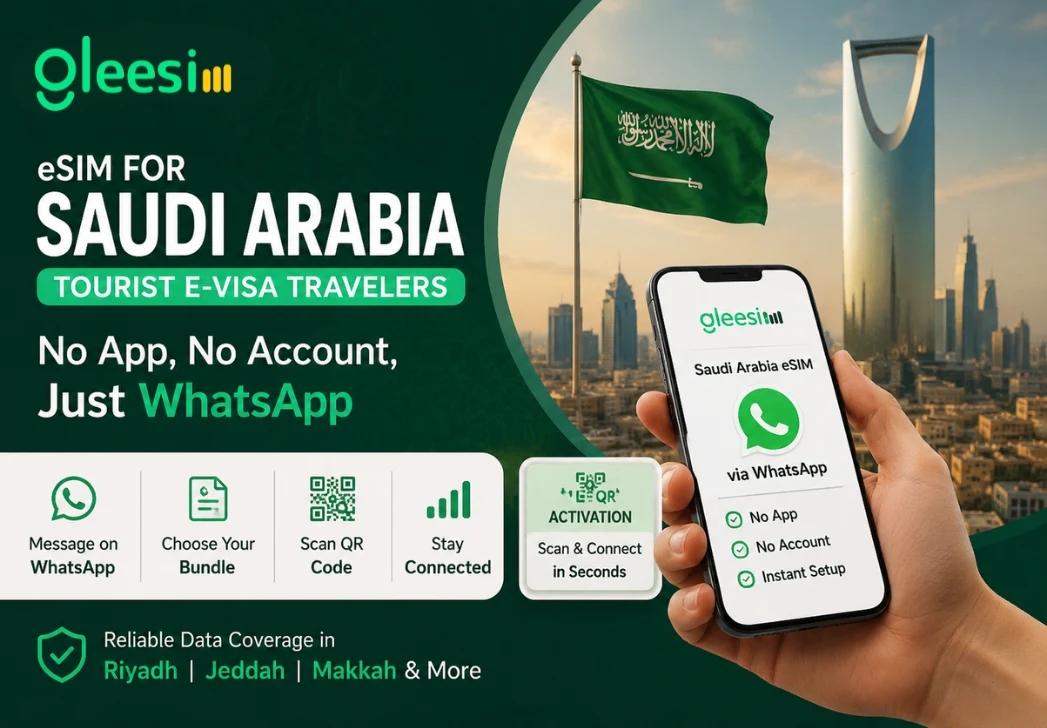
Are you traveling to Saudi Arabia on the new tourist e-visa and trying to figure out connectivity before you even land? Saudi Arabia’s e-visa has opened the country to a wave of first-time visitors who are also, in many cases, activating their very first eSIM. This article will help you understand how to set up your Saudi Arabia data plan without downloading a single extra app. After developing a complete understanding, you can make a better decision on how you prepare for your tourist trip.
Someone using Saudi Arabia’s e-visa for the first time is often also new to independent Gulf travel. Adding an unfamiliar eSIM app to that learning curve creates friction at the exact moment travelers want things to feel easy.
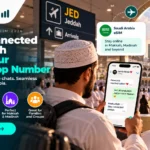
You send Gleesim a WhatsApp message and skip account creation entirely.
Real bundle pricing shows up directly in the chat, pulled from live rates rather than a confusing in-app store.
Questions about coverage in Riyadh, Jeddah, or wherever your e-visa itinerary takes you stay in the same conversation.
QR Activation installs an eSIM profile directly onto a phone’s built-in eSIM chip by scanning a single code, with no physical SIM card and no app required to complete the process.
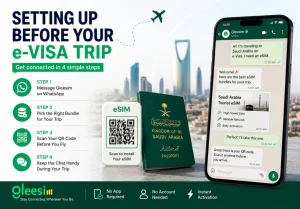
Once your e-visa is approved and your travel dates are set, message Gleesim on WhatsApp.
Pick a bundle matching your trip length, whether a short city stop or a longer multi-city tour.
Scan your QR code before departure so you land already connected.
Keep the chat handy for any questions once you are exploring.
| Factor | Typical App-Based eSIM | Gleesim via WhatsApp |
| Setup steps | Download, register, verify | Send a message |
| Learning curve | New app interface | Familiar chat interface |
| Support access | In-app tickets | Live chat |
Tourist e-visa travel to Saudi Arabia is still a new category for many international visitors, and first impressions matter. Gleesim’s digital roaming standards were shaped around removing the exact friction that trips up first-time visitors, so the first thing a new tourist experiences is ease rather than confusion.
A first trip to Saudi Arabia should feel like an adventure, not an onboarding exercise. Message Gleesim on WhatsApp before your e-visa trip and skip the app download entirely.