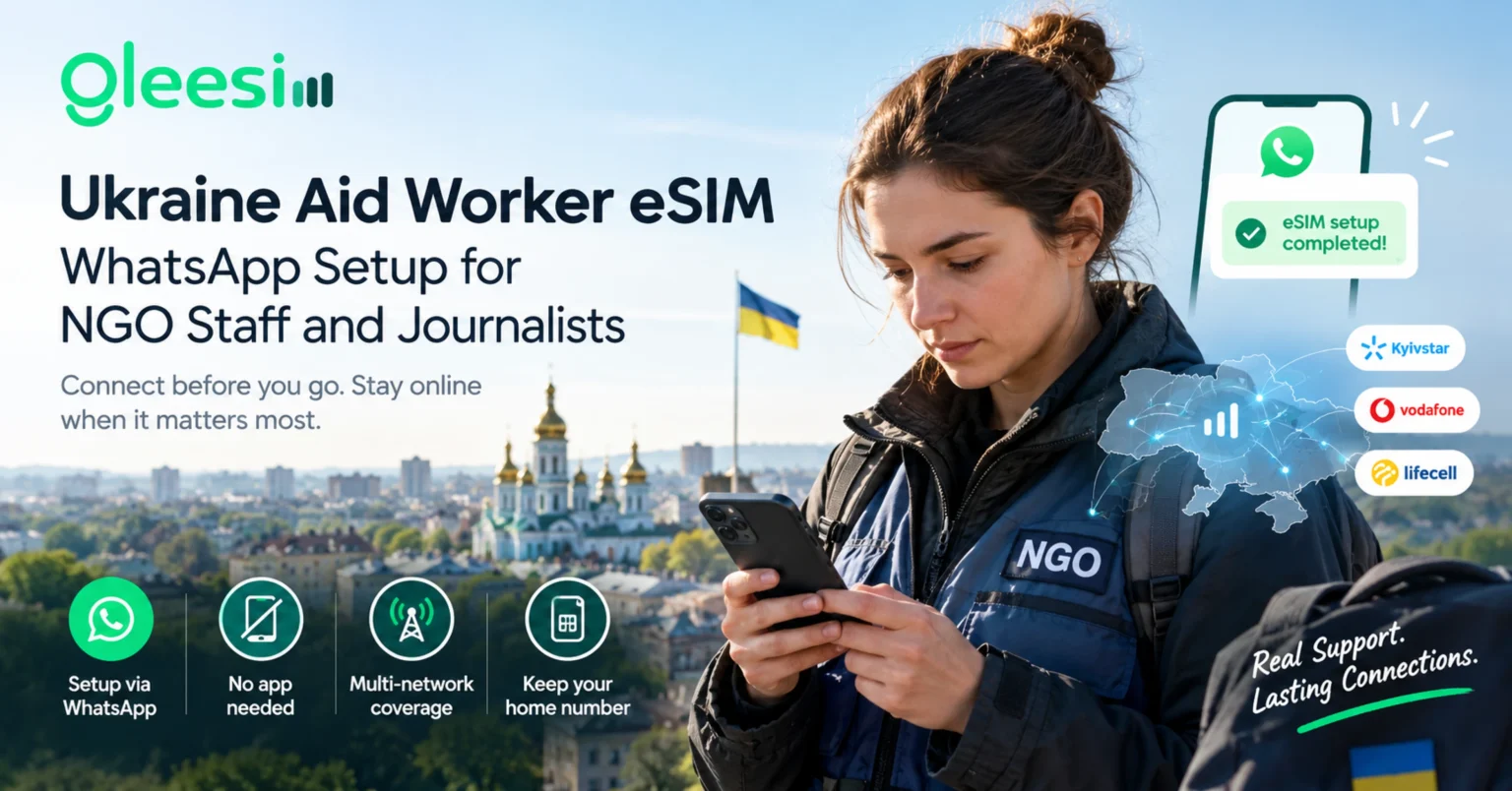
Are you heading into Ukraine for humanitarian work, an NGO deployment, or a reporting assignment, and trying to figure out how to stay online before you even leave? A Ukraine aid worker eSIM is built for exactly this kind of trip. This article will help you understand, in plain and easy words, how a data-only eSIM works for field deployments. After reading it all the way through, you will know exactly how to stay connected for coordination, filing, and safety check-ins while you are on the ground.
Aid workers, NGO staff, and journalists traveling into Ukraine all share one thing in common that separates them from a normal tourist. They need a connection that works the second they cross the border, with no local SIM registration process to slow them down, and no single network they have to rely on completely. Ukraine has something called “national roaming,” which means a data-only eSIM can automatically switch between Kyivstar, Vodafone Ukraine, and lifecell, picking whichever one has the strongest signal nearby, so a weak spot on one network does not leave you stranded.
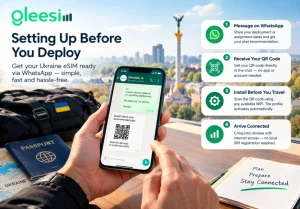
An eSIM is a bit like a SIM card, except you cannot see it or hold it in your hand. It is already built into your phone. You turn it on by scanning a small picture called a QR code, similar to scanning a code for a menu or a ticket.
What is an eSIM, in simple words? An eSIM (short for “embedded SIM”) is a digital SIM card already built into most phones from the last few years. You install it by scanning a QR code, and it gives your phone internet in a new country. Your original phone number stays exactly the same on your main SIM, so people can still reach you the normal way.
Most modern phones, including iPhone 11 and newer and Samsung Galaxy S20 and newer, already support this. Setup takes only a few minutes, and it can all be done from wherever you are before you fly.
A short humanitarian mission or reporting trip has very different needs from a vacation. Reliability, fast setup, and keeping your original phone number matter more than simply having a lot of data.
What is national roaming, in simple words? National roaming lets your phone automatically switch between more than one carrier network inside the same country, instead of being stuck on just one. For field work in Ukraine, this means a data-only eSIM can pick whichever of Kyivstar, Vodafone Ukraine, or lifecell has the strongest signal where you are standing, instead of failing just because one network is having a bad day.
For a role where the first hours on the ground usually involve logistics, transport, and check-ins, having connectivity already sorted removes one worry from an already busy and complicated arrival.
Different trips need different amounts of data. Here is a simple guide, based on the type of deployment.
| Deployment type | Typical use | Suggested data | Notes |
| Short assessment trip (days) | Coordination messaging, maps, brief filing | 5GB | Ukraine-only plan from $3.80 |
| Standard rotation (1 to 4 weeks) | Regular check-ins, document sharing, video calls | 10GB | Ukraine-only, 90-day validity available |
| Regional coverage (Ukraine plus neighboring countries) | Multi-country movement for reporting or logistics | 1 to 20GB | EuropeZone plan covers Ukraine plus 38 destinations |
Every one of these plans is data-only, which just means it gives you internet, but not a new phone number. Voice calls and text messages keep working through your existing home number on your main SIM the whole time. WhatsApp messaging works normally across the Ukrainian networks, which covers most day-to-day coordination for teams who already use it as their main channel for talking to each other.
Conditions in the field can change fast, so it is worth building a plan for connectivity that does not depend on just one network into your normal safety planning, the same way you would plan for anything else that might change quickly. Checking your phone’s compatibility and the current network conditions before you leave, instead of just assuming things will match a past trip, is well worth the extra ten minutes it takes.
For every plan tier, current pricing, and detailed coverage information city by city across the country, the full Gleesim Ukraine eSIM page has everything needed to pick the right plan for your specific assignment length and area of coverage.
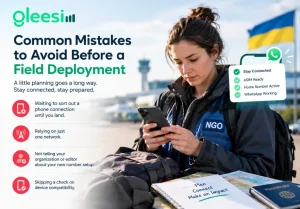
Small mistakes with connectivity can turn into big problems once you are already in the field, so it helps to plan around them ahead of time.
No. The eSIM installs through a QR code sent over WhatsApp, with no in-person registration and no identity documents needed at the point of activation.
Yes. The eSIM only handles data and runs alongside your main SIM, so your original number keeps working normally for calls and texts throughout your entire trip.
Just send a quick WhatsApp message asking for a top-up, and extra data gets added to your existing plan within minutes, with no need to find a new SIM or start setup over again while you are in the field.
Yes, normal WhatsApp messaging works well on the supported networks. Conditions can shift depending on the region and the current situation, so it is worth checking network status ahead of specific travel as part of your usual trip planning.
It is technically possible if you already have another working connection when you land, but setting it up before you leave is strongly recommended, since it means your phone is already connected the moment you cross the border instead of depending on finding WiFi first.
Field deployments do not leave much room for extra hassle, and a phone connection is one of the few things that really should not be left to chance. Setting up a Ukraine eSIM before departure means coordination, safety check-ins, and filing all work from the very moment you arrive.
Preparing for a deployment or assignment in Ukraine? Message GLEE10 on WhatsApp for 10% off your Ukraine eSIM plan, check live pricing on the Gleesim offers page, and arrive already connected.