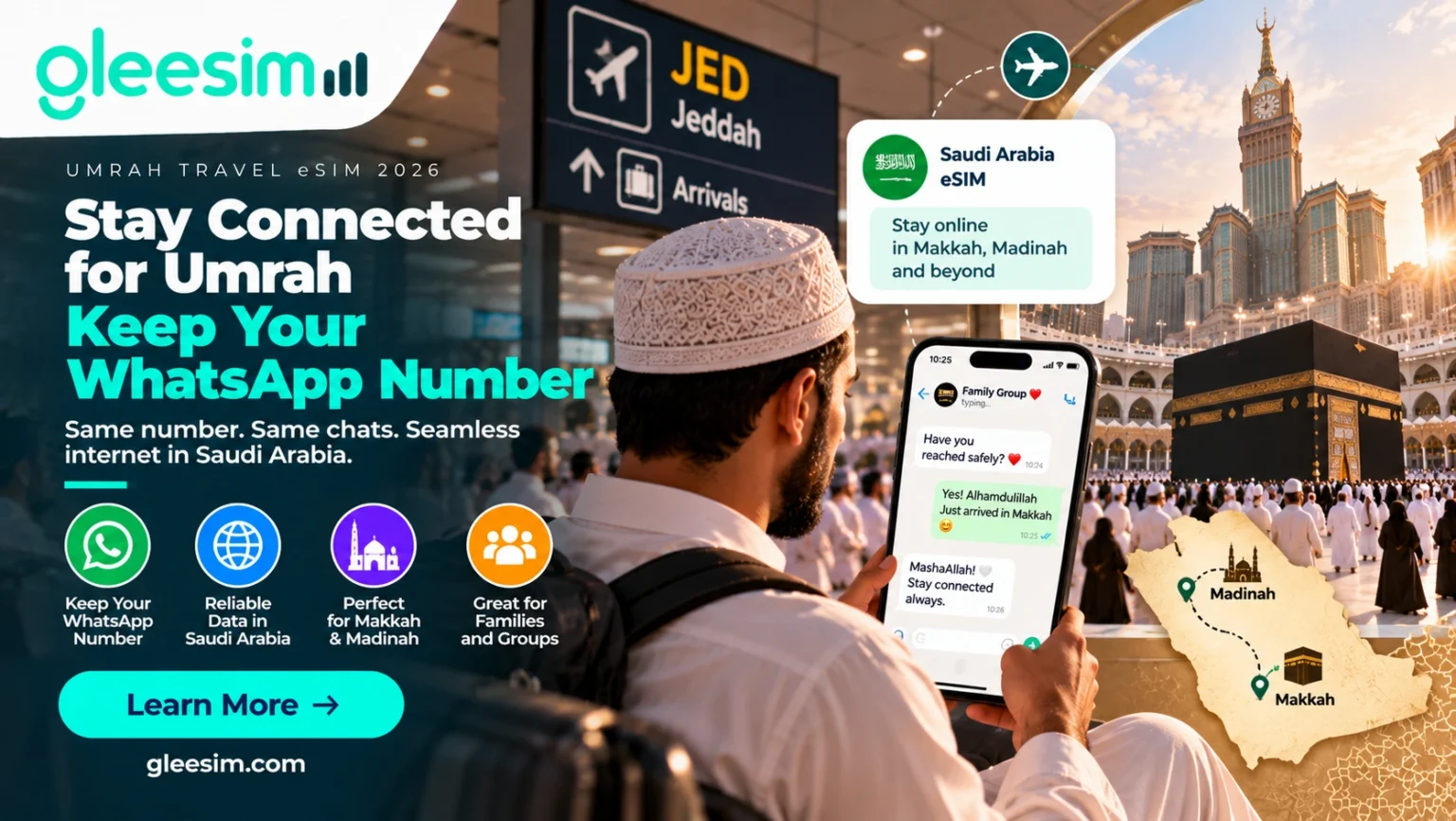
Want to keep WhatsApp number on Umrah without a roaming bill? You land in Jeddah. Before the bags arrive, the family group chat is already asking, “Have you reached safely?” The last thing you want is a new Saudi number nobody recognises, or chats that disappear.
Yes, you can keep WhatsApp number on Umrah with a travel eSIM. A data-only eSIM gives your phone internet in Saudi Arabia, while WhatsApp stays registered to your usual number. Your chats, groups and contacts carry on as normal.
This guide shows you how to set it up on iPhone and Android, how to avoid roaming charges on your home SIM, and the mistakes that cause WhatsApp problems in Makkah and Madinah.
Get your Umrah eSIM before you fly. Buy as a guest on WhatsApp: no app, no account. Get Your Pilgrimage eSIM →
Pilgrim using WhatsApp on a phone with a Saudi Arabia travel eSIM near Masjid al-Haram during Umrah
A travel eSIM supplies mobile data. Your WhatsApp account is tied to the phone number you registered with, not to the SIM that provides the internet. Installing a data-only eSIM for Saudi Arabia does not change, replace or delete your WhatsApp number. You only lose it if you choose to register WhatsApp with a different number.
Three separate parts work together on your phone:
| Part | What it does | Does it change on Umrah? |
| Your WhatsApp number | The number your WhatsApp account is registered to | No. It stays the same |
| Your home SIM (physical SIM or eSIM) | Your normal calls, SMS and home mobile plan | Stays on your phone. You decide whether it roams |
| Your travel eSIM | Mobile data in Saudi Arabia | Yes. It becomes your data line while you travel |
Example: you are travelling from Pakistan or the UK for Umrah. You keep your home SIM in the phone, install a Saudi Arabia eSIM, and choose the eSIM for mobile data. WhatsApp uses the eSIM’s internet, and your family still sees the same number they have always messaged.
Most problems don’t come from the eSIM. They come from one of these three moves:
A data-only travel eSIM, set up properly before you fly, avoids all three.
You need an eSIM-compatible phone, a phone that isn’t locked to your home network, a Saudi Arabia eSIM plan, and access to your WhatsApp account. Check all four at home, while you still have Wi-Fi and your home number receives SMS normally.
Check your exact model and regional version, not just the model name. Some versions of the same phone don’t support eSIM. Apple explains how to use eSIM while travelling internationally, and Google explains how to use dual SIM on Pixel phones.
If your phone is locked to your home network, it may reject another provider’s eSIM. Ask your home network to unlock it before you travel.
Choose a plan that covers your full stay in Makkah and Madinah. Here’s a rough guide by usage:
| Your usage during Umrah | Typical data need |
| Light: WhatsApp messages, maps, Nusuk | 3–5 GB |
| Moderate: photos, voice notes, some video calls | 5–10 GB |
| Heavy: daily video calls home, sharing videos, hotspot for family | 10–20 GB |
GleeSim Saudi Arabia plans are data-only. That works in your favour here: no new number arrives, so there’s nothing to confuse your WhatsApp account.
Do these three things at home. They take five minutes and stop most lock-outs:
To keep WhatsApp number on Umrah with an iPhone, install the travel eSIM, set it as your mobile data line, turn off “Allow Mobile Data Switching”, and leave WhatsApp alone.
Install the travel eSIM, set it as your mobile data line, turn off “Allow Mobile Data Switching”, and leave WhatsApp alone. Your WhatsApp number won’t change. Menu names vary slightly by iOS version. Apple’s Dual SIM guide lists which iPhones support two lines.
Step 1: Install the eSIM before you fly. Follow your provider’s QR code or setup link while on home Wi-Fi. With GleeSim, the QR code and setup steps arrive in your WhatsApp chat. See how to activate an eSIM on iPhone through WhatsApp.
Step 2: Label your lines. Go to Settings → Mobile Data. Rename them “Home” and “Umrah” so you never pick the wrong one.
Step 3: Make the travel eSIM your data line. Settings → Mobile Data → Mobile Data → select Umrah.
Step 4: Turn off Allow Mobile Data Switching. This stops your iPhone falling back to your home line’s data when the signal dips in a crowd.
Step 5: Set roaming per line. On the Home line, turn Data Roaming off. On the Umrah line, follow your eSIM’s setup instructions. Many travel eSIMs need Data Roaming on to connect in Saudi Arabia, and this doesn’t add charges on a prepaid travel eSIM.
Step 6: Open WhatsApp and send a test message. Your chats, groups and number stay as they were. If WhatsApp asks you to verify your number unexpectedly, don’t enter a different number. Stop and check your settings first.
On Android, add the eSIM, set it as the default for mobile data, and keep calls and SMS on your home SIM. WhatsApp keeps working on your existing number. Menus differ by brand: Pixel uses Network & internet → SIMs, and Samsung uses Connections → SIM manager.
Step 1: Confirm eSIM and dual-SIM support for your exact model and region.
Step 2: Add the eSIM. Go to Settings → Network & internet (or Connections) → SIMs / SIM manager → Add eSIM. Then scan the QR code. Guide: how to activate an eSIM on Android through WhatsApp.
Step 3: Set mobile data to the travel eSIM. Only one SIM can handle data at a time. Make sure it’s the travel eSIM.
Step 4: Check call and SMS defaults separately. Selecting the eSIM for data doesn’t move your calls and texts. Keep calls and SMS on your home SIM if you want to receive bank codes, and check your home network’s roaming rates first.
Step 5: Turn off data roaming on your home SIM and test WhatsApp before you leave for the airport.
One WhatsApp message. No app, no account. GleeSim is the world’s first travel eSIM run entirely on WhatsApp. You buy, pay, activate and top up in the same chat you use to message your family. Buy Your Saudi Arabia eSIM on WhatsApp →
Possibly, but that depends on your home network, not on the eSIM. If your home SIM stays switched on and your network has roaming in Saudi Arabia, normal calls and SMS can still reach you. Your home network may charge for them.
A data-only travel eSIM does not give your home number:
If you need bank verification codes during Umrah, ask your home network about receiving SMS in Saudi Arabia before you travel. Many networks charge little or nothing for incoming SMS, but check rather than assume. WhatsApp voice and video calls go over your eSIM data, so you can call home without a roaming bill.
No. You don’t need a Saudi phone number to use WhatsApp in Makkah or Madinah. A data-only travel eSIM provides the internet, and your WhatsApp account keeps running on your existing number.
Changing your WhatsApp number is a separate, deliberate step in WhatsApp’s settings. Travelling doesn’t require it. A local Saudi number only helps if you need ordinary local calls, or a specific service asks for a Saudi number. For the Nusuk app and permits, see our Nusuk and Umrah connectivity guide.
How the main options compare for keeping your WhatsApp number
| Option | Keeps your WhatsApp number? | Roaming bill risk | Setup |
| GleeSim Saudi Arabia eSIM (data-only) | ✅ Yes. Home SIM stays in | Low: home roaming switched off | Buy on WhatsApp before you fly, as a guest |
| Home network roaming | ✅ Yes | High: depends on your network’s daily or per-MB rates | Nothing to install |
| Saudi airport SIM card | ⚠️ Only if your phone has a second SIM slot. Otherwise your home SIM comes out | Low | Queue on arrival, passport registration |
| App-based travel eSIM | ✅ Yes | Low | Download an app and create an account first |
Our verdict: a data-only eSIM is the cleanest way to keep WhatsApp number on Umrah.
GleeSim runs entirely on WhatsApp, so the WhatsApp number you buy from becomes your eSIM control panel. Usage alerts, top-up links and support all come to that chat.
That gives you three practical rules:
Keep your number. Lose the roaming bill.
Travelling with family or a group? Each pilgrim orders from their own WhatsApp number. Our Umrah group travel eSIM guide explains how that works for group leaders.
For most pilgrims, yes. A data-only eSIM gives you maps, Nusuk, WhatsApp calls and family updates, and keeps your WhatsApp number the same. It’s not the right fit if your phone doesn’t support eSIM, or if you need a Saudi number for ordinary local calls.
Planning the rest of your connectivity? Read the eSIM guide for Umrah from Pakistan and the full GleeSim Saudi Arabia eSIM guide for travellers.
Will I lose my WhatsApp if I use an eSIM in Saudi Arabia?
No. Installing a travel eSIM doesn’t affect your WhatsApp account. WhatsApp stays registered to your existing number and only needs an internet connection, which the eSIM provides. You only change your WhatsApp number if you choose to re-register it with a different one.
Can I use WhatsApp with a data-only eSIM?
Yes. WhatsApp messages, voice notes, photos, and voice and video calls all run over mobile data. A data-only eSIM provides that data, so WhatsApp works normally on your existing number. You don’t need a phone number on the eSIM.
Can I keep my Pakistani number while using a Saudi Arabia eSIM?
Yes. Keep your Pakistani SIM in the phone and use the Saudi eSIM for data. WhatsApp keeps your Pakistani number. Whether your Pakistani SIM also receives normal calls and SMS in Saudi Arabia depends on your network’s roaming service and charges.
Can I keep my UK number on WhatsApp during Umrah?
Yes. The same setup works for UK pilgrims. Keep your UK SIM or eSIM active for calls and texts if you need them, turn off its data roaming, and set the Saudi travel eSIM as your mobile data line.
Will installing an eSIM delete my WhatsApp chats?
No. Adding an eSIM doesn’t touch WhatsApp or its chats. Chats are only at risk if you reinstall WhatsApp or change phones without a backup. Back up your chats before you travel.
Can I use a physical SIM and an eSIM at the same time?
On most dual-SIM phones, yes. The combinations each phone supports depend on the model, region and network. Check your manufacturer’s dual-SIM guide before buying.
What if WhatsApp asks for a verification code while I’m in Saudi Arabia?
Don’t register a new number. WhatsApp sends the code by SMS or call to your home number, so you need your home SIM switched on and able to receive SMS. If you added an email address to WhatsApp beforehand, you may be able to receive the code by email instead.
Should I install my Umrah eSIM before travelling?
Yes, if your provider allows it. Install it at home on Wi-Fi, then activate it on arrival as instructed. With GleeSim, you buy as a guest on WhatsApp, receive your QR code in the chat, and your setup steps stay in that conversation.
Stay connected on Umrah without changing your WhatsApp number
You don’t need a new WhatsApp number for Umrah. Keep your home SIM, add a data-only Saudi Arabia eSIM, set it as your data line, and turn off home roaming. Your family keeps the number they know, and you keep your chats.
Sort it before you fly, while you still have home Wi-Fi. Land connected. Buy your GleeSim Saudi Arabia eSIM as a guest on WhatsApp. Pay, get your QR code, and set it up before you leave home. No app, no account, and the same WhatsApp number your family already messages. Message GleeSim on WhatsApp → · See Saudi Arabia eSIM plans →